Clear all notes?
This will permanently delete everything you've written. This action cannot be undone.
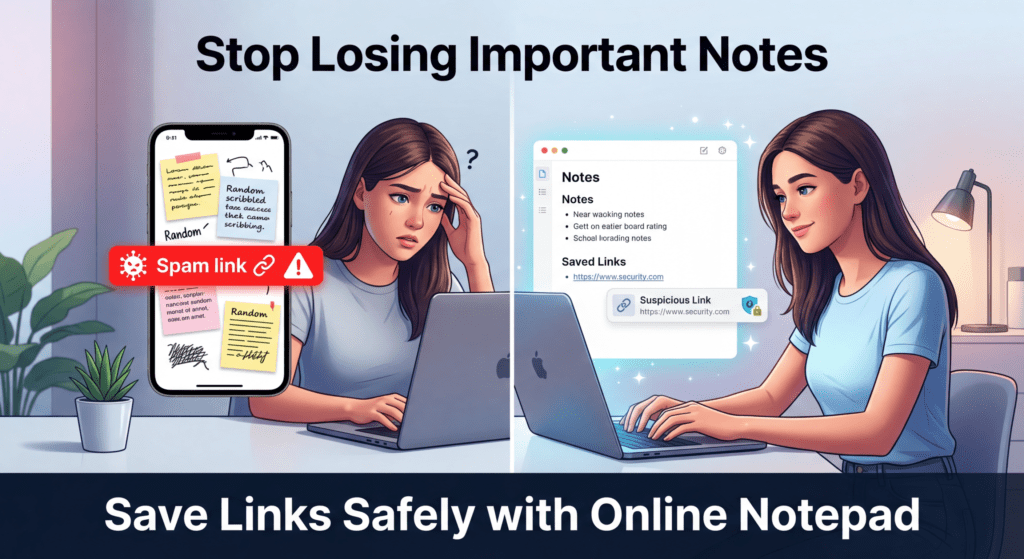
Stop Losing Important Notes – Use This Simple Online Notepad
I built this simple online notepad so you never lose important ideas, links, or daily notes again.
Instead of saving things on your phone (where they get lost, cluttered, or sometimes unsafe), you can write and store everything here — safely and instantly.
I personally use it to:
- Save important links I don’t want to forget
- Track quick ideas and tasks
- Keep grocery lists and daily notes
- Store anything I need to access anytime
Everything stays available online, so you can open it anytime, from any device.
Think of it like your personal whiteboard or notebook — simple, fast, and always ready when you need it.
Write, update, or delete anytime. No confusion, no clutter — just your thoughts, organized in one place.
📝 About Plain Online Notepad Auto Save Option
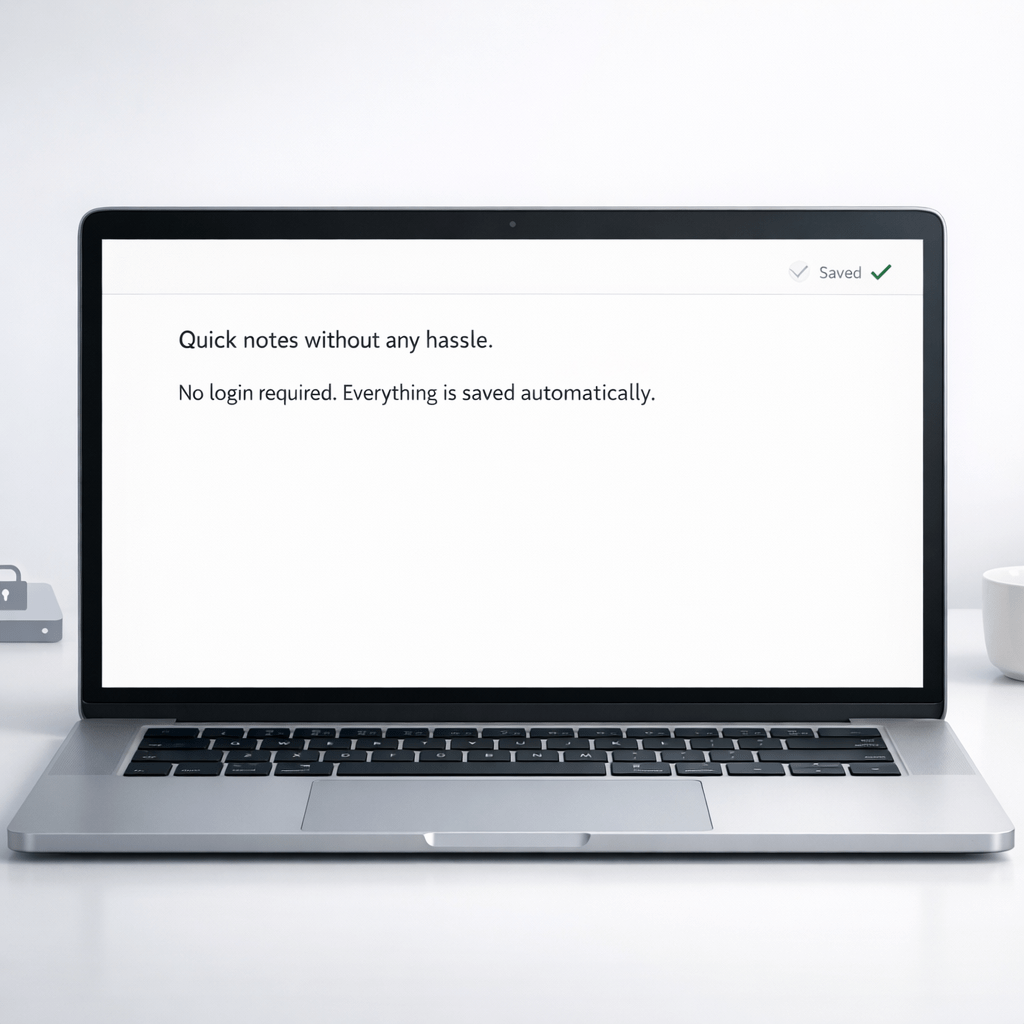
Plain Online Notepad Auto Save Option is a free online notepad made for people who want a simple, distraction free notepad that works instantly. This online notepad auto save tool saves your text automatically while you type, so you never lose your notes.
You don’t need to create an account because this is an online notepad no login and online notepad no sign up tool. Just open the page and start writing. This browser based notepad is perfect for online notepad free writing, quick notes, ideas, and daily tasks.
Unlike heavy apps, this is a minimal online notepad that focuses only on writing. Your notes are saved in your browser using local storage, making it a private online notepad with no data upload to any server. Even if you close the tab or refresh the page, your text stays safe.
This online notepad autosave tool also works as a quick online notepad and a plain text online notepad, ideal for students, writers, office work, and personal use. It is free forever and works on mobile, tablet, and desktop browsers.

📌 How to Use This Online Notepad
Using this free notepad no sign in tool is very easy:
1️⃣ Open the online notepad page
2️⃣ Start typing your notes instantly
3️⃣ Your text saves automatically with online notepad auto save
4️⃣ Close or refresh the page anytime
5️⃣ Come back later — your notes reload automatically
This online notepad that saves works even without internet after loading once, making it an offline capable notepad for basic use. There are no buttons, no settings, and no distractions — just writing.
❓ Frequently Asked Questions (FAQ)
1. What is Plain Online Notepad Auto Save Option?
It is a free online notepad that automatically saves your text while you type. No login, no sign up, and no downloads are required.
2. Does this online notepad save automatically?
Yes. This online notepad autosave feature saves your notes instantly in the browser as you type.
3. Do I need to sign in to use this notepad?
No. This is an online notepad no login and free notepad no sign in tool.
4. Where are my notes saved?
Your notes are saved in the browser using local storage, making it a private online notepad with no data upload.
5. Will my notes stay after closing the browser?
Yes. When you reopen the same browser on the same device, your notes will still be there.
6. Is this online notepad really free?
Yes. This is a free online notepad with no hidden costs.
7. Can I use this notepad on mobile and desktop?
Yes. This browser based notepad works on phones, tablets, laptops, and desktops.
8. Is this a distraction free notepad?
Yes. It is a minimal online notepad designed only for writing, without ads or clutter inside the editor.
9. Can I use it for school or office work?
Yes. This plain text online notepad is great for homework, drafts, meeting notes, and quick writing.
10. Does this notepad upload my data anywhere?
No. There is no data upload. Everything stays on your device, making it safe and private.
This online notepad auto save tool is free forever, works instantly, and keeps your notes safe on your device without login, sign up, or data sharing.
Check Next
Most Read 👇
- 2026 Will Change Everything: What Your Life Path Number Must Prepare For
- The One Frequency You Must Avoid in 2026 (Based on Your Birth Number)
- Peer Pressure: What It Is, How to Identify It, and How to Overcome It
- What Is Walmart’s DEI Program? (Diversity, Equity & Inclusion Explained)
- 3I/ATLAS: Is the Interstellar Object Alien Technology?
- Mystery From the Sky: The Buga Sphere Appears in ColombiaOumuamua: The Mysterious Interstellar Visitor and the Cosmic Message in Prashyant Jha’s Song
- Hz Frequency Generator- Free Online Tone Generator
Frequency Articles- 👇
- 👉Complete Guide to Brainwave Frequencies (Hz Explained Simply)
- 👉 The One Frequency You Must Avoid in 2026 (Based on Your Birth Number)
- 👉What is the science behind sound bowls?
- 👉What is 7 Hz good for? A careful, evidence-based guide (with references)
- 👉Cymatics: From 2D Sand Patterns to 3D Sound Sculptures
- 👉 Hz Frequency Generator- Free Online Tone Generator
- 👉 What Frequencies Are Dangerous to Humans? Understanding Risks from Sound to Radiation
- 👉How to do a Cymatic Experiment
- 👉What is the science behind cymatics?
- 👉 NASA-Approved 30-Min Brain Boost
- 👉 What Is The Healing Power Of Sound Wave
- 👉 What does 528 hz do to the brain?
- 👉 The 7 Healing Frequencies: Unlocking the Power of Sound for Wellness
- 👉 The Sacred Science of Yantras: How Cymatics Validates Ancient Tantric Geometry
- 👉 Is 1111 a Lucky Number? A Deep Dive into Its Mystical, Numerological, and Cultural Significance
- 👉 Is 528 Hz Dangerous?
- 👉Delta Waves (0.5–4 Hz): Effects on Mind, Sleep, and Spiritual Energy
- 👉What Happens to Your Brain at 1 Hz Frequency?
- 👉Complete Guide to Brainwave Frequencies (Hz Explained Simply)
- 👉 White Noise for Sleep – Fall Asleep Fast (Free Online Tool)
- 👉 Is It Good to Sleep With White Noise? (Simple Guide for Better Sleep)