ROOM ENERGY RESET
Change the vibration around you. Change how your space feels.
We live surrounded by things we cannot see—natural fields, electromagnetic waves, wireless signals and countless forms of vibration around us.
Now think about sound.
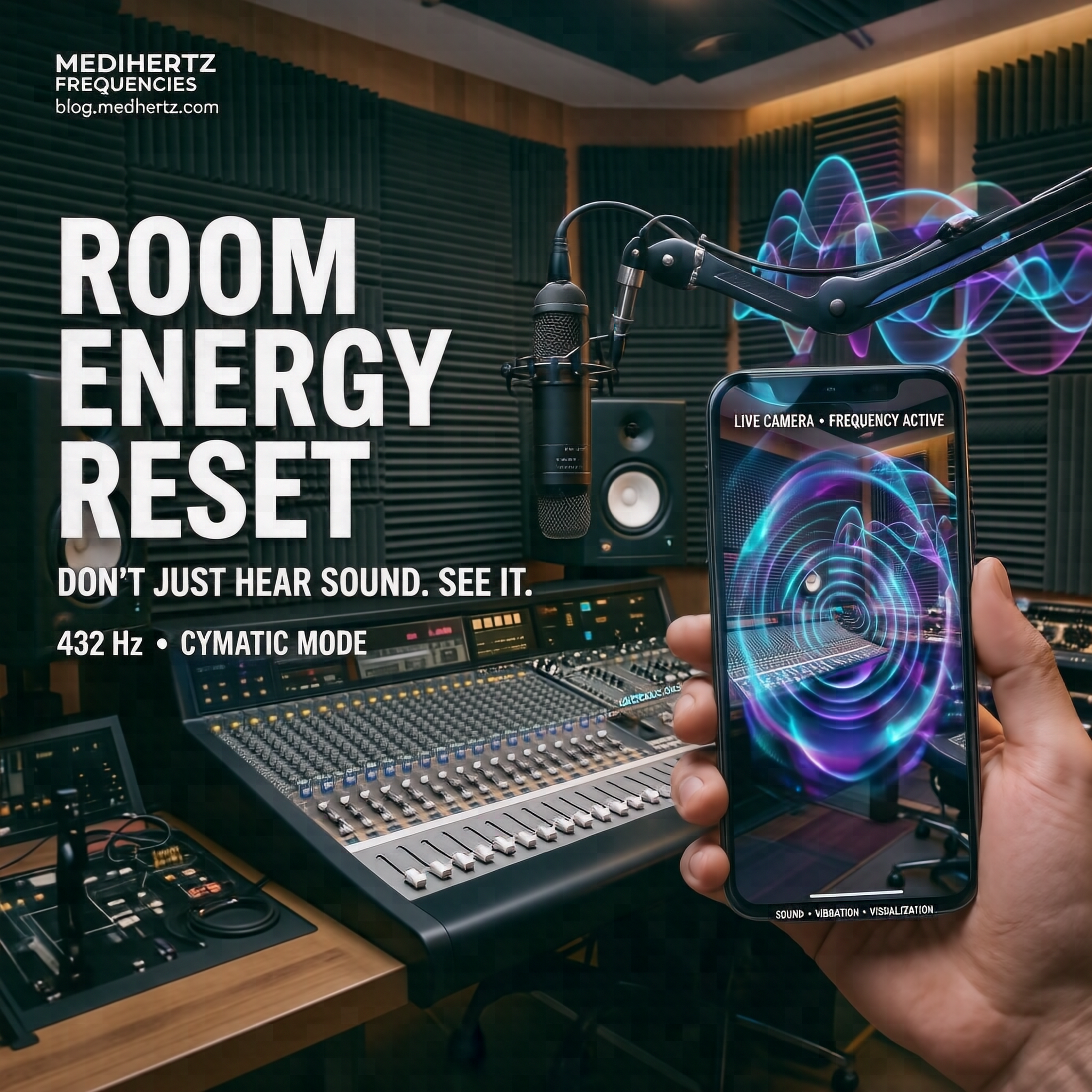
Sound is vibration. And through cymatics, we can actually see how different frequencies can create different patterns in materials such as water, sand and other particles.

Imagine your room as a still pond.
When everything is still, particles settle. Then a single stone creates ripples and disturbs that stillness.
Room Energy Reset explores this idea through sound and visualization.
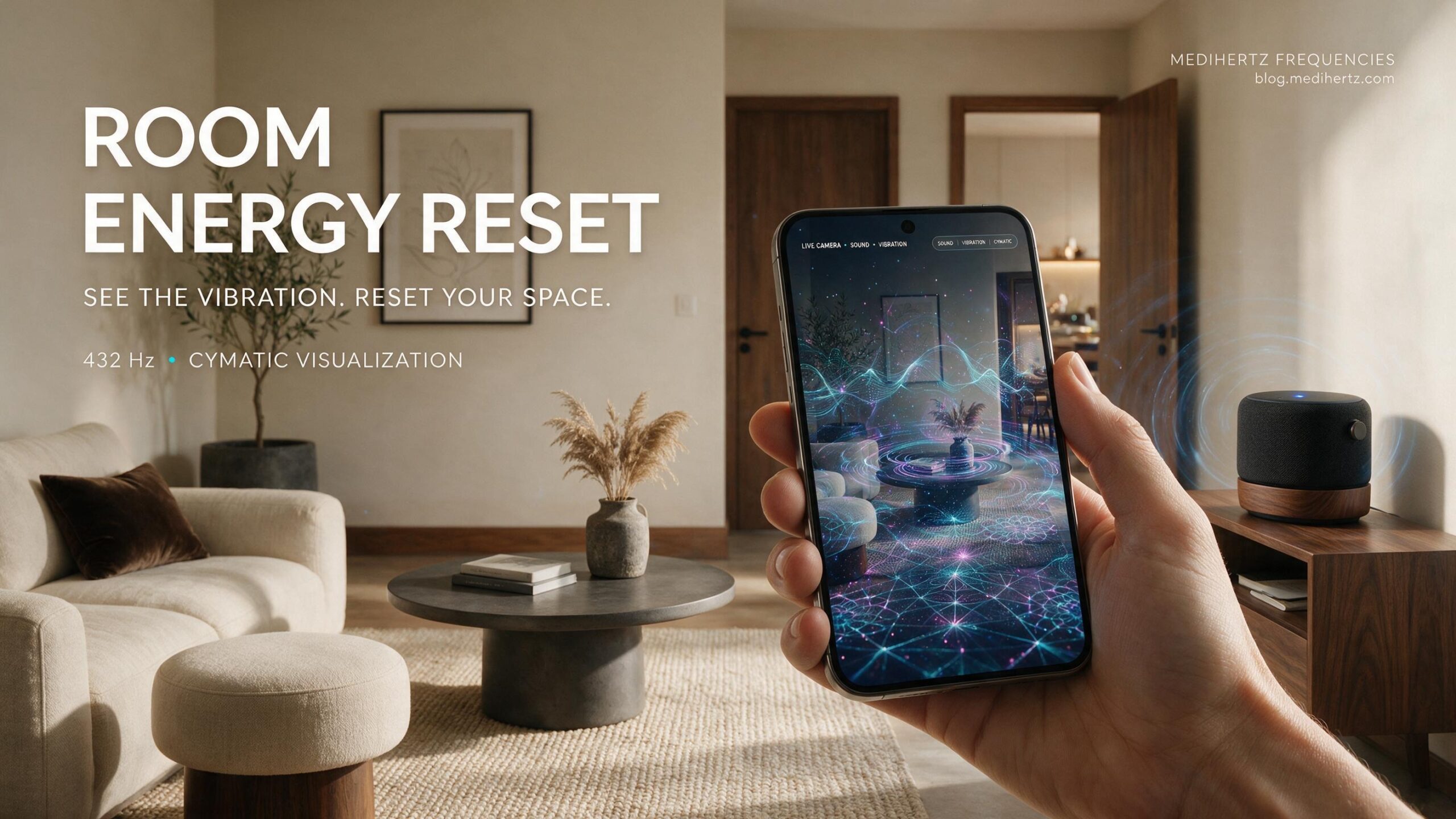
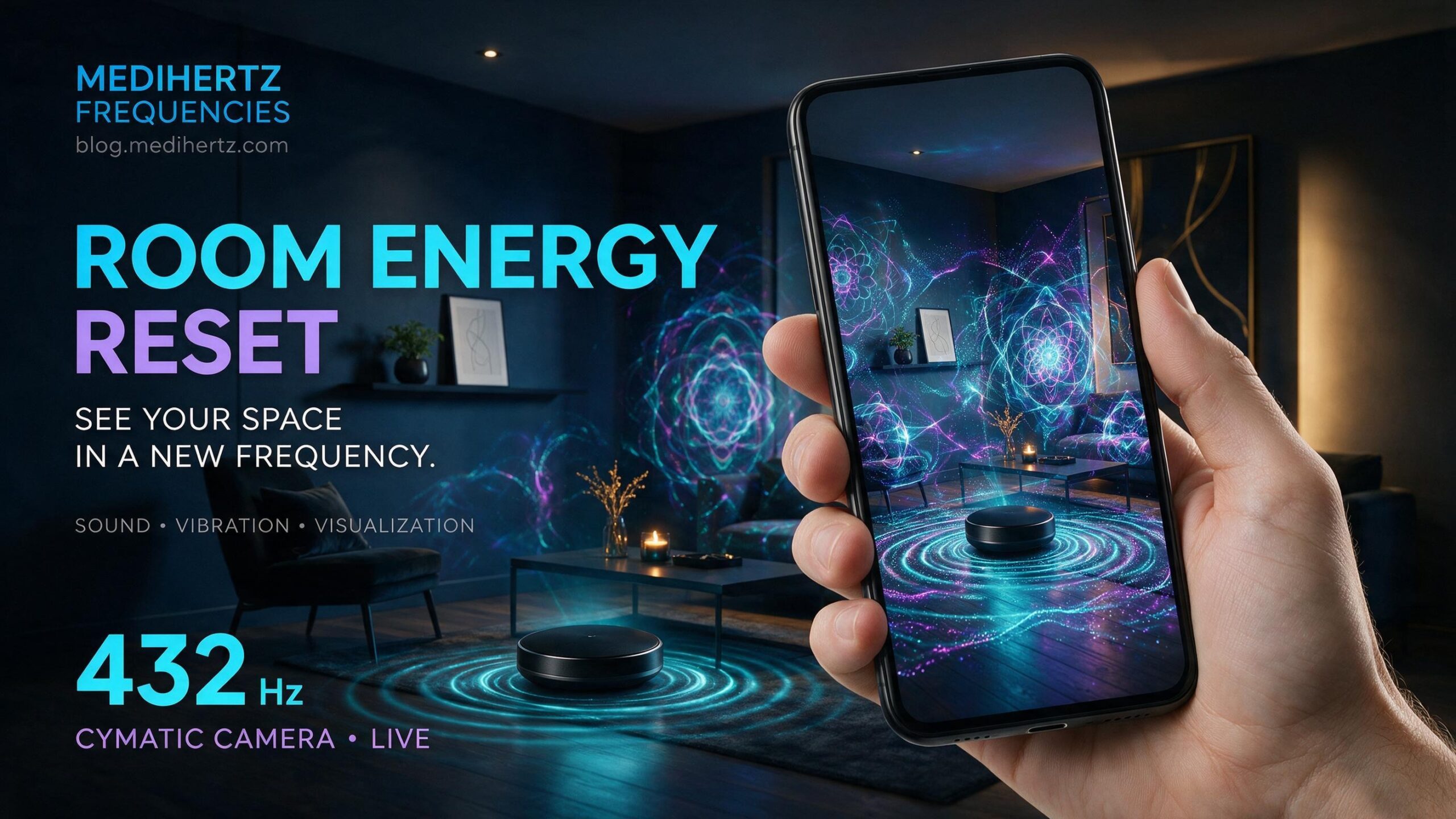
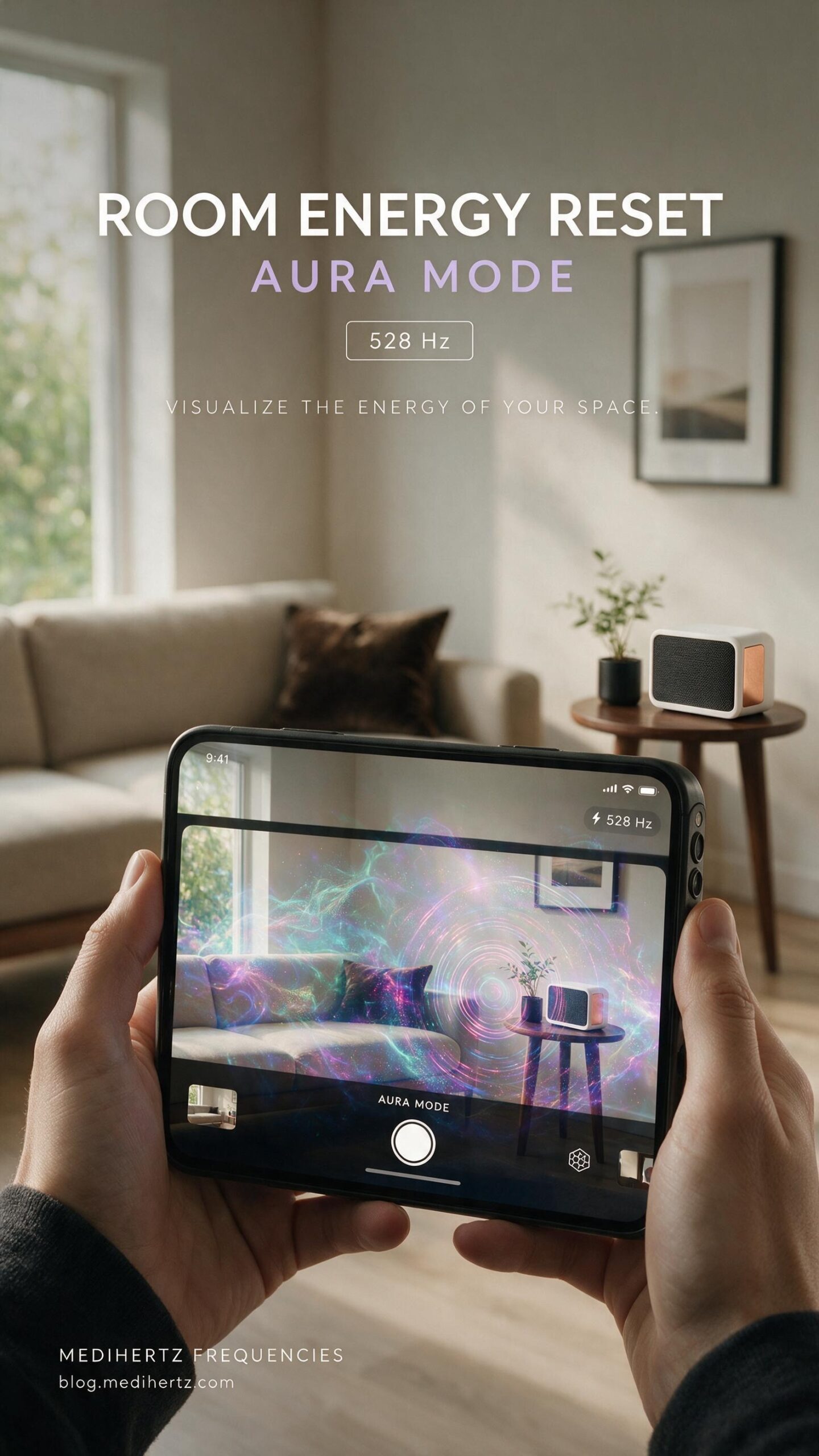
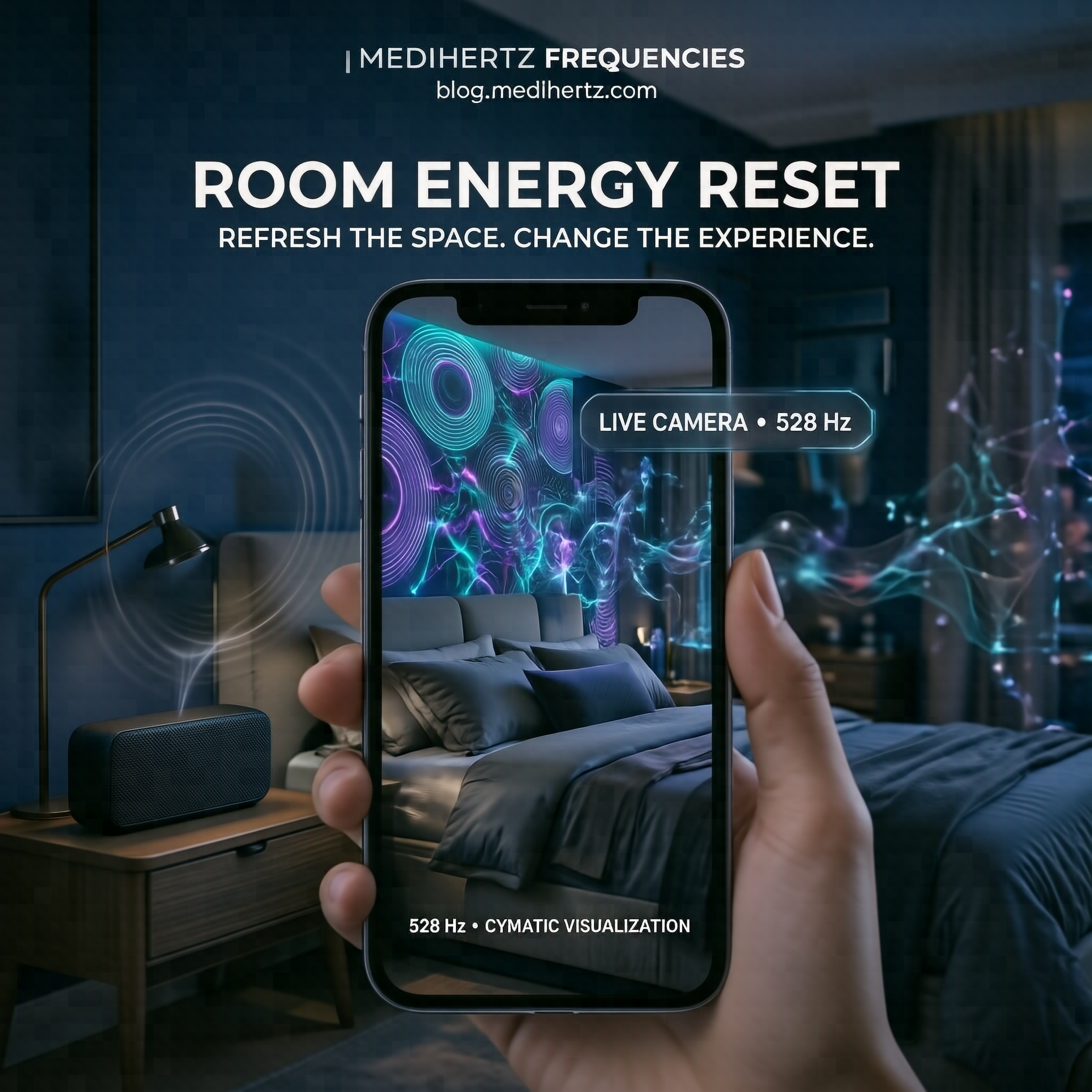
Choose a frequency. Play it through your phone, computer or Bluetooth speaker. Point your camera toward your room, bedroom, office, studio or workspace—and watch frequency-inspired cymatics patterns move across your surroundings.
Change the frequency.
Watch the patterns change.
Capture a snapshot.
Record the experience.
You are no longer simply looking at your room.
You are experiencing it through the language of vibration.
This can become part of your personal room-reset, meditation, relaxation, sound or spiritual practice—a moment to pause, refresh your environment and reset your state of mind.
And this is only the beginning.
We have just started exploring what is possible when sound, frequency, camera and visual vibration come together.
We will keep improving Room Energy Reset, adding new visual experiences and making it more immersive.
Your feedback matters. If you discover something interesting, have an idea, or simply enjoy the experience, tell us—and capture and share your snapshots or videos with others exploring room energy cleansing, sound frequencies, vibration and cymatics.
You explore it. You experience it. You share it. We keep building it.
Reset. Rebalance. Begin again.
How to Use Room Energy Reset
Room Energy Reset is simple to use. You don’t need technical knowledge or any special equipment.
For the best sound and room experience, use a speaker rather than relying only on your phone’s built-in speaker.
🔊 1. Connect a Speaker for the Best Experience
You can use:
- Bluetooth speaker with your phone or tablet
- Phone speaker if no external speaker is available
- PC or desktop speakers when using the tool on a computer
- External speakers connected to your computer
For a stronger room-filling sound experience, connect your phone to a Bluetooth speaker and place the speaker in the room you want to experience.
Recommended Volume
For the room experience, start at around 70% volume.
This provides a noticeable sound experience without unnecessarily disturbing other people nearby.
Keep the volume at a comfortable level and reduce it if the sound feels too loud. The goal is to create a pleasant listening environment—not to play the sound as loudly as possible.
Tip: For a room-reset or meditation session, close unnecessary background apps, place the speaker in a suitable position, and allow the frequency experience to play continuously for the duration of your session.
🎵 2. Choose Your Frequency
Select the frequency you want to explore, such as 432 Hz, or choose another available frequency.
▶️ 3. Start the Sound Experience
Tap Start Scan to begin.
Once the frequency starts playing, you can explore the visual patterns while the sound is playing.
🌊 4. Explore the Visual Modes
Choose from Wave, Ripples, Cymatics, Particles, Energy Field and other available visualization modes.
📷 5. Open Energy View
Tap the camera icon to see your surroundings through the live frequency-inspired visualization.
📸 6. Capture or Record Your Experience
Take a snapshot or record a video. Your captured media can retain important session information such as:
ROOM ENERGY RESET • FREQUENCY • VISUAL MODE • MEDIHERTZ FREQUENCIES
What Is Room Energy Reset?
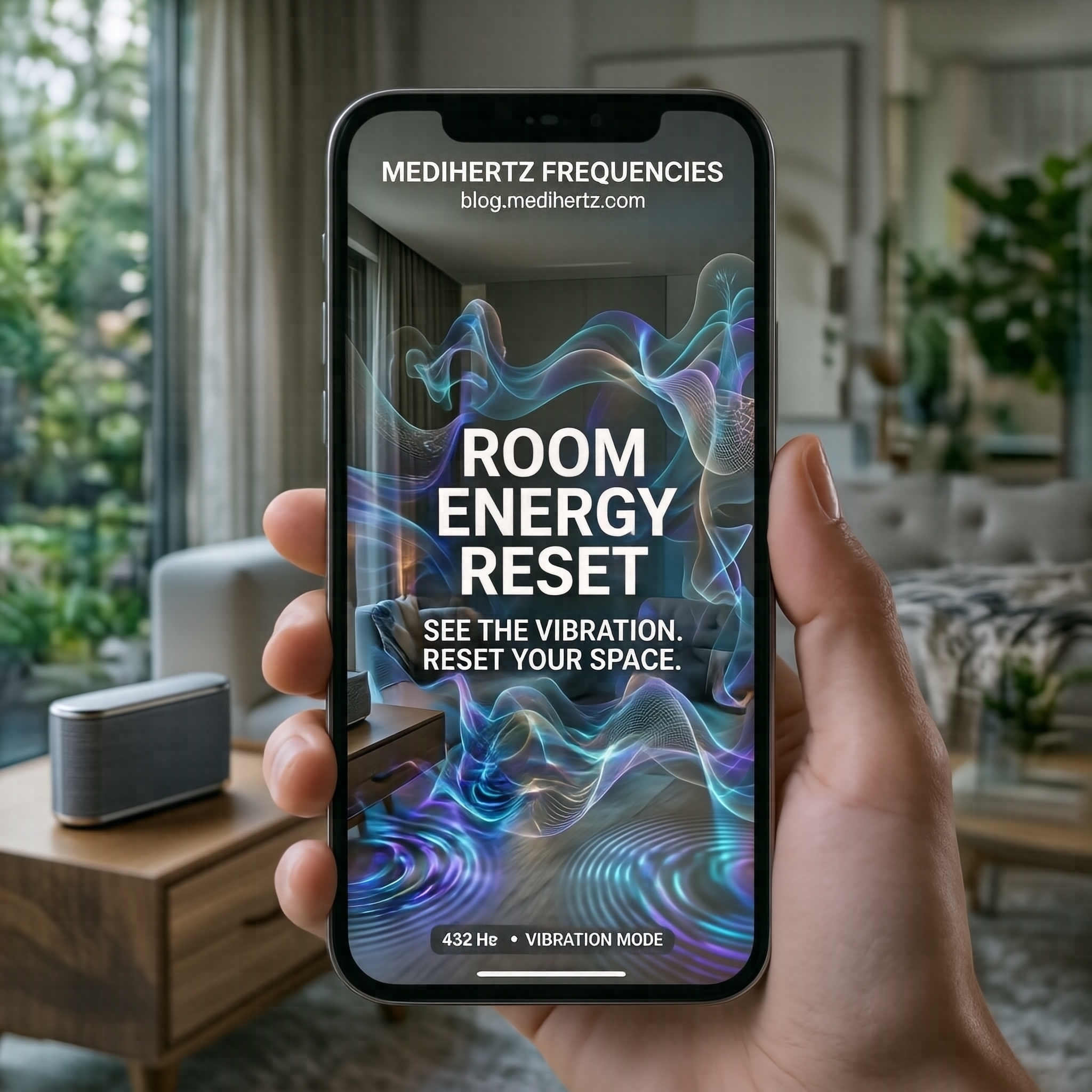
Room Energy Reset is an interactive sound-frequency and visualisation experience designed to help you explore your surroundings through sound, vibration-inspired patterns and camera-based visual effects.
The idea is simple:
Sound creates vibration. Vibration can be represented visually.
Room Energy Reset turns that concept into an interactive experience where you can listen to frequencies while watching animated patterns and camera visualizations respond to the selected experience.
It can be used for meditation, relaxation, mindfulness, sound exploration, frequency exploration, creative visualization and personal wellness rituals.
Can You Really See Energy in a Room?
There is an important distinction.
A normal smartphone camera cannot scientifically detect or measure something called “negative energy” or prove the presence of spiritual energy in a room.
Room Energy Reset does something different.
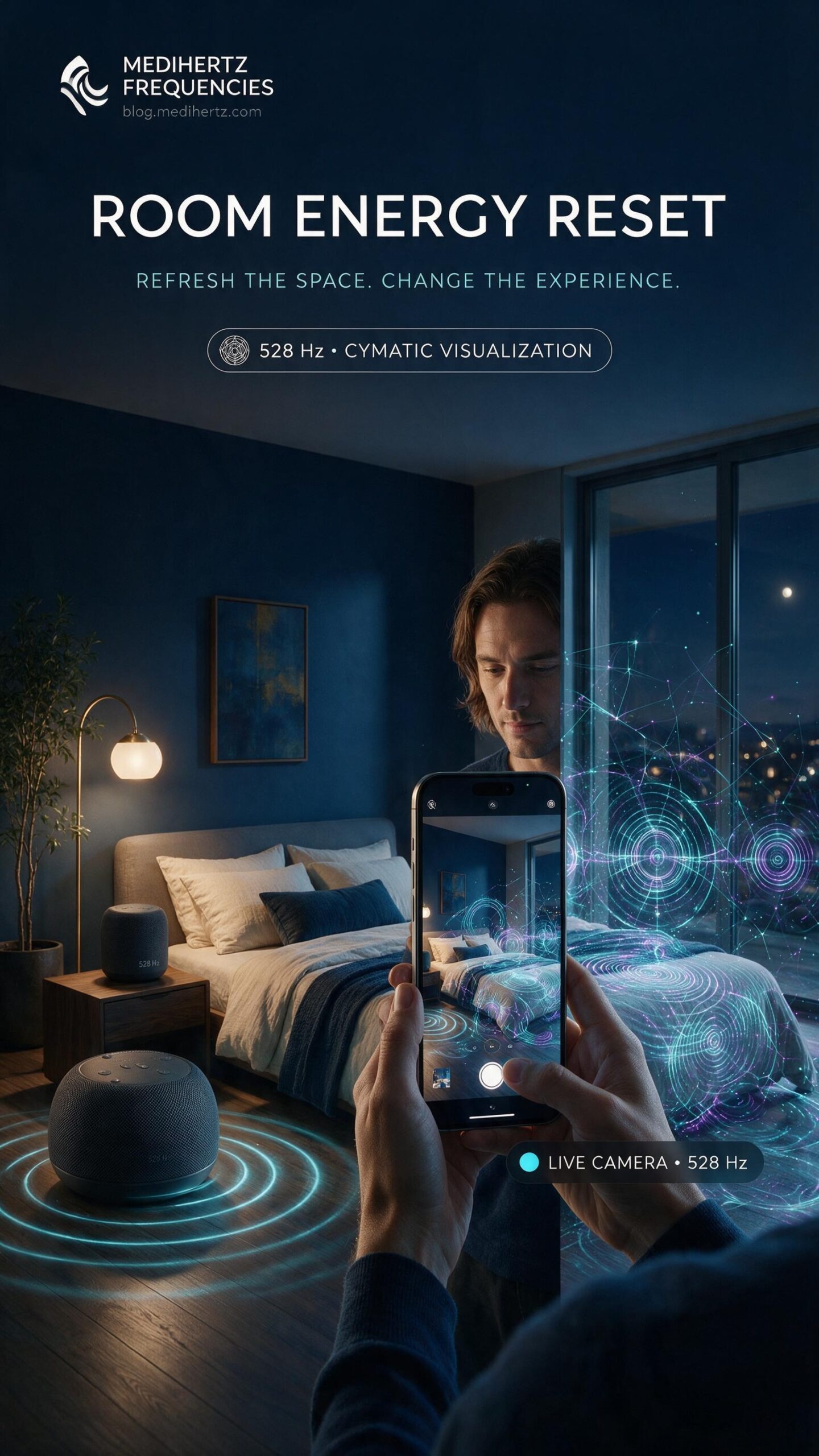
It uses digital visual effects, frequency-inspired animations, patterns and camera overlays to create a visual representation of vibration and movement.
This allows you to explore the idea of room energy visually and experientially, rather than presenting the camera as a scientific detector of invisible energy.
Think of it as a visual frequency experience, not an energy-measuring instrument.
Why Use Room Energy Reset?
Your environment can influence how you feel.
Noise, lighting, clutter, surroundings, routine and your own mental state can all affect your experience of a space.
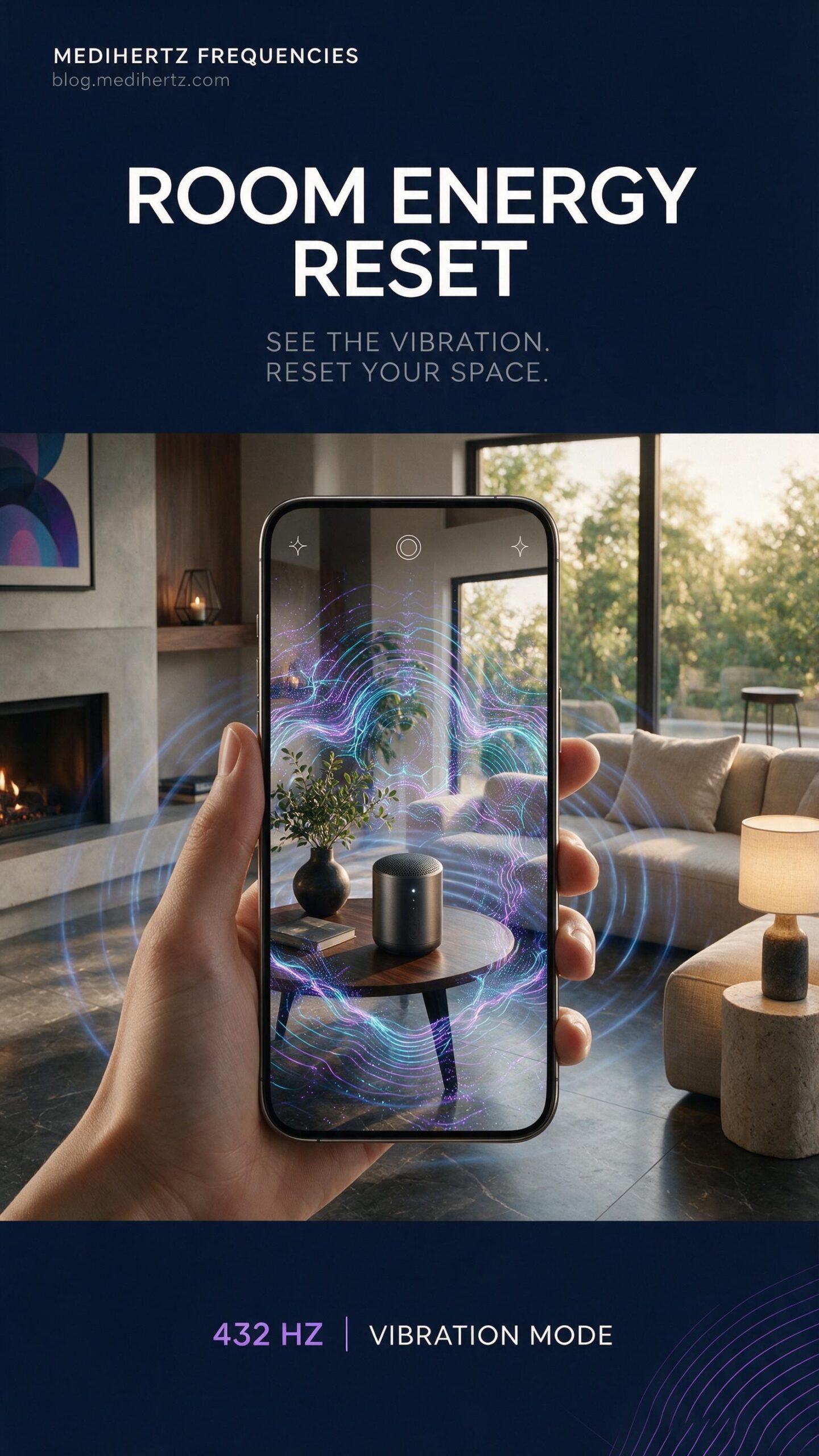
Room Energy Reset gives you a simple way to create a mindful pause and intentionally change the atmosphere of your experience.
You can use sound, visualization and breathing or meditation as part of your personal routine.
Use it when you want to:
- Relax after a stressful day
- Create a meditation atmosphere
- Explore sound frequencies
- Experiment with vibration-inspired visuals
- Create a calming bedtime routine
- Explore your bedroom or workspace visually
- Create a personal room-cleansing ritual
- Explore spiritual or mindfulness practices
- Create interesting frequency visualization videos
- Capture and share your frequency experience
Where Can You Use Room Energy Reset?
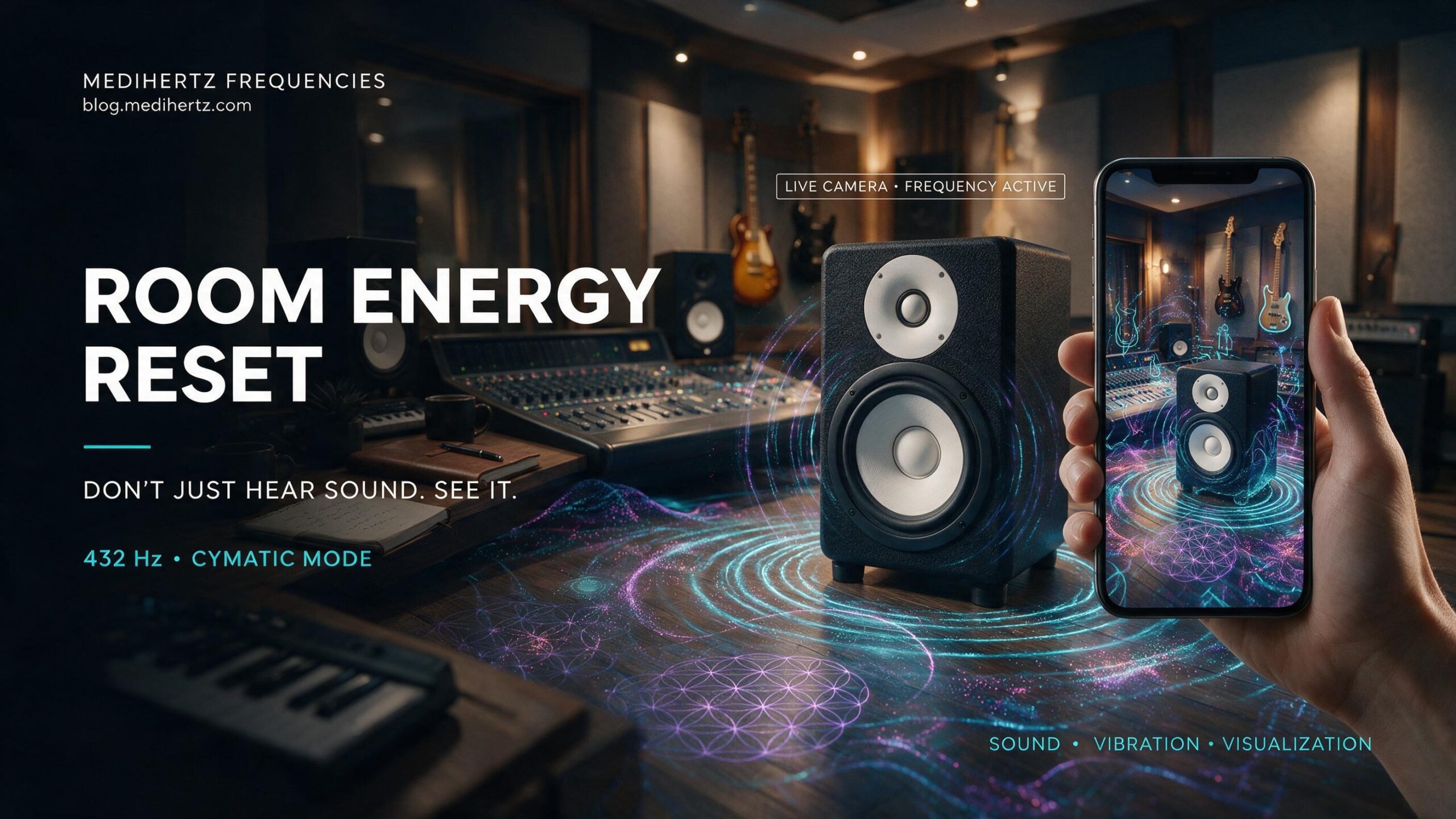
You can use the web app almost anywhere you have a compatible device and browser.
🏠 At Home
Use it during your personal wellness routine, meditation or relaxation session.
🛏️ In the Bedroom
Create a quiet environment before meditation, breathing exercises or sleep preparation.
🧘 During Meditation
Combine a comfortable frequency, visual patterns and mindful breathing.
💻 In Your Workspace
Take a short visual and auditory break between periods of focused work.
🕯️ During Spiritual Practices
Some people incorporate sound, meditation, mantras, prayer, incense or other personal rituals into their environment.
Room Energy Reset can be used as an additional visualization experience alongside those practices.
🎥 For Creative Content
Capture interesting frequency patterns and camera visuals and share them on social media.
Who Can Use Room Energy Reset?
Room Energy Reset is designed for ordinary users—not just sound therapists or frequency enthusiasts.
It can be useful for:
Meditation practitioners
Explore sound and visual patterns during meditation.
Yoga practitioners
Use it as part of a relaxation or mindfulness environment.
Sound and frequency enthusiasts
Explore different frequencies and visual responses.
Wellness creators
Create unique frequency-inspired visual content.
Spiritual practitioners
Incorporate visualization into personal spiritual or cleansing rituals.
Students and researchers of sound
Experiment with basic concepts of frequency, vibration and visual representation.
Content creators
Capture snapshots and videos of unique patterns.
Anyone curious about frequency
You don’t need to know anything about Cymatics to start.
Room Energy Reset for Negative Energy
Many people search online for ways to remove negative energy from a room, cleanse a house or create a more positive atmosphere.
Different traditions use different practices, including:
- Meditation
- Prayer
- Mantras
- Incense
- Sound
- Bells
- Singing bowls
- Music
- Breathing exercises
- Salt rituals
- Decluttering
- Natural light
- Fresh air
- Personal spiritual practices
Room Energy Reset can complement these practices by providing an interactive sound and visualization experience.
It does not claim to scientifically detect or remove an invisible form of negative energy.
Instead, it helps you create a deliberate sound, visual and mindfulness ritual around your environment.
How to Reset the Energy of a Room
If you want to create a fresh atmosphere in your room, try a simple reset ritual.
Step 1 — Clean the physical space
Remove unnecessary clutter and open a window if appropriate.
Step 2 — Change the atmosphere
Adjust lighting and create a comfortable environment.
Step 3 — Set your intention
Decide what you want from the session:
Relaxation?
Meditation?
Focus?
Freshness?
A peaceful atmosphere?
Step 4 — Start Room Energy Reset
Choose a frequency and begin the sound experience.
Step 5 — Explore the visual patterns
Try Wave, Ripples, Cymatics, Particles or Energy Field.
Step 6 — Open Energy View
Use the camera visualization to explore your surroundings through the selected visual experience.
Step 7 — Take a snapshot or record
Capture an interesting moment and save it for yourself or share it.
What Is Cymatics?
Cymatics is the visualization of vibration, often demonstrated by using sound or mechanical vibration to create visible patterns in materials such as water, sand or other surfaces.
The patterns can change when the frequency changes.
Room Energy Reset uses digital cymatic-inspired visualization as part of its interactive experience.
Instead of requiring physical equipment, the web app lets you explore frequency-inspired patterns directly in your browser.
What Is a Frequency?
Frequency describes how many cycles of a repeating wave occur per second.
It is measured in Hertz (Hz).
For example:
432 Hz = 432 cycles per second.
Different frequencies can produce different waveforms and visual patterns in digital visualization.
Room Energy Reset allows you to explore frequencies and observe how the visual experience changes.
What Is 432 Hz?
432 Hz is one of the frequencies frequently discussed in meditation, music and wellness communities.
It has also become popular among people interested in alternative tuning, relaxation and frequency-based practices.
Room Energy Reset lets you explore 432 Hz as part of its interactive sound and visualization experience.
Important: choosing a frequency should be treated as a personal listening and visualization experience, not as a medical treatment.
Explore Different Visual Modes
WAVE
See a flowing representation of the selected frequency.
A simple way to begin exploring sound visualization.
RIPPLES
Create expanding, fluid-like patterns inspired by the movement of waves and vibration.
CYMATICS
Explore intricate geometric patterns inspired by the visual language of cymatics.
PARTICLES
Watch dynamic particles respond through a frequency-inspired visual environment.
ENERGY FIELD
Explore a more atmospheric visualization designed to create a sense of movement and energy around the camera experience.
CYMATIC LENS
Transform your camera view with animated cymatic-inspired patterns.
This is where your camera experience becomes particularly distinctive.
Instead of simply putting a waveform over a normal camera image, the visual layer can interact with the footage to create an immersive frequency-inspired view.
AURA MODE
Aura Mode provides an artistic, frequency-inspired visualization around objects and areas within the camera experience.
It should be understood as a visual effect, not a scientifically validated aura detector.
INFRARED MODE
Infrared-style visualization creates a thermal/infrared-inspired appearance for an immersive camera experience.
It does not turn a normal smartphone camera into a true infrared or thermal imaging camera.
Capture Your Frequency Experience
One of the most important features of Room Energy Reset is the ability to capture what you are experiencing.
When you take a snapshot, the image can preserve the key information from the session.
Example:
MEDIHERTZ FREQUENCIES
ROOM ENERGY RESET
432 Hz
CYMATICS
VIBRATION VISUALIZATION
This turns an ordinary camera image into a recognizable frequency experience record.
Record Your Room Energy Experience
You can also record video while the visual experience is active.
The recording should preserve the important session information, including:
- Tool name
- Frequency
- Visual mode
- Branding
- Relevant visual indicators
This means the video remains identifiable even after it has been saved or shared.
Share your experience
You can use your captured media for:
- YouTube Shorts
- TikTok
- Personal journals
- Meditation communities
- Frequency communities
- Wellness content
The branding and frequency information make the content easier for viewers to understand.
Is Room Energy Reset Free?
If you are offering the current version as a free web app, say:
Room Energy Reset is available as a free browser-based experience. No installation is required.
Users can access the experience directly from a compatible web browser.
Do I Need to Install an App?
No.
Room Energy Reset is designed as a web-based experience.
Open it in your browser, allow camera and audio permissions when required, and start exploring.
This makes it accessible from phones, tablets and desktop computers without requiring a separate application.
Do I Need a Special Camera?
No special camera is required for the basic experience.
A compatible smartphone, tablet or computer camera can be used for Energy View.
The visual effects are created by the web application.
For the best experience, use a device with a good camera, sufficient lighting and a modern browser.
Is Room Energy Reset a Scientific Energy Detector?
No.
Room Energy Reset is an interactive wellness and visualization tool.
It does not scientifically measure:
- Negative energy
- Spiritual energy
- Auras
- Ghosts
- Evil spirits
- Chakras
- Luck
- Nazar
- Supernatural activity
Its camera effects and visualizations are designed to help users explore sound, frequency, vibration and atmosphere in an engaging visual way.
Can Room Energy Reset Remove Negative Energy?
There is no scientifically established camera technology that can detect or remove “negative energy” from a room.
However, people may use sound, meditation, prayer, music, breathing exercises and personal rituals to create a feeling of calm, freshness or renewal.
Room Energy Reset can be incorporated into such a routine as a sound and visualization experience.
Room Energy Reset and Spiritual Practices
Different cultures and traditions have their own approaches to creating a peaceful or positive environment.
These may include:
- Mantras
- Prayer
- Meditation
- Bells
- Singing bowls
- Chanting
- Incense
- Salt rituals
- Sacred geometry
- Spiritual music
- Breathwork
Room Energy Reset doesn’t replace these traditions.
Instead, you can use the tool alongside your own practice as a modern digital sound and visualization layer.
Frequently Asked Questions
How do I cleanse the energy in a room?
You can approach room energy cleansing through practical and personal wellness practices such as cleaning and decluttering, opening windows, improving natural light, meditation, prayer, calming music, chanting, or sound-based rituals. Room Energy Reset adds an interactive sound and visual experience that lets you explore your room through frequency-inspired patterns while listening through your phone or speakers.
What are some signs that a room has negative energy?
People may describe a room as having “negative energy” when it feels uncomfortable, stressful, cluttered, dark, noisy, or emotionally unpleasant. These experiences can also have practical causes such as poor ventilation, lighting, noise, or environmental stress. There is no scientifically validated camera test that can confirm spiritual negative energy.
How do I bring positive energy into my room?
Start with simple changes: clean and declutter the space, improve ventilation and natural light, reduce unwanted noise, and create a comfortable environment. You can also use meditation, music, prayer, chanting, or sound-based practices. Room Energy Reset can be used as part of a personal room-reset and sound-cleansing routine.
What can I use to cleanse a room of negative energy?
Common approaches include sound, music, chanting, meditation, prayer, incense, herbs, essential oils, salt and other cultural or spiritual cleansing rituals. Different traditions use different methods. Room Energy Reset provides a smoke-free digital alternative based on sound and interactive frequency-inspired visualizations.
Can sound be used for room energy cleansing?
Sound is commonly used in meditation, spiritual practices, relaxation and space-clearing rituals. People may use singing bowls, bells, chanting, music or other sounds. Room Energy Reset brings a digital sound and visualization experience together, allowing you to play sound through your phone, computer or Bluetooth speaker while exploring your room through the camera.
What is the best way to cleanse a small apartment?
For a small apartment or flat, start with practical space clearing: declutter, clean surfaces, improve airflow and lighting, and reduce unwanted noise. You can then add a personal ritual such as meditation, calming music, chanting or sound cleansing. Room Energy Reset can be used directly from a phone or computer without installing an app.
How do I cleanse the energy in my home office?
Clean and organize your desk, improve lighting and airflow, remove unnecessary distractions and create a calm working environment. You can then use music, meditation or sound as part of a short reset routine. Room Energy Reset lets you use your computer or phone camera while playing sound through your device or a Bluetooth speaker.
What are the main ways to cleanse a room?
Room cleansing practices generally fall into several categories: sound, smoke, scent, light, meditation, prayer and physical space clearing. People choose different approaches according to their culture, beliefs and preferences. Room Energy Reset focuses on the sound + visualization approach and provides an interactive camera experience.
Is sound better than smoke for room cleansing?
There is no scientifically established method that proves sound or smoke removes an invisible negative energy. From a practical perspective, sound can be a convenient option when you want a smoke-free room-cleansing ritual, particularly in bedrooms, offices, apartments, studios or other indoor spaces. Room Energy Reset provides this type of digital sound and visualization experience.
How can I cleanse my room without burning sage or incense?
You can try non-smoke approaches such as cleaning and decluttering, opening windows, meditation, prayer, chanting, calming music, bells, singing bowls or other sound practices. Room Energy Reset offers another smoke-free option using sound and frequency-inspired visual patterns through your device.
How do I cleanse my bedroom of negative energy?
Begin by making the bedroom clean, comfortable and well ventilated. Reduce clutter and unwanted noise, use comfortable lighting and consider meditation, calming music, prayer or sound as part of your routine. You can also use Room Energy Reset for a short sound and visual room-reset experience.
How do I cleanse my house after moving in?
After moving into a new home, many people combine practical cleaning with a personal cleansing ritual. Clean the rooms, open windows, let in natural light and arrange the space comfortably. Depending on your beliefs, you may also use prayer, chanting, incense, music or sound. Room Energy Reset can be used as a modern digital sound and visualization ritual while exploring different rooms through your camera.
What is a room energy cleansing ritual?
A room energy cleansing ritual is a personal, cultural or spiritual practice intended to create a feeling of renewal or a fresh atmosphere in a space. Rituals may involve sound, music, chanting, meditation, prayer, incense, herbs, salt, light or physical cleaning. Room Energy Reset can be incorporated as a modern sound-and-visualization component.
How can I cleanse my room without strong scents?
Try scent-free methods such as decluttering, ventilation, natural light, meditation, prayer, calming music, chanting or sound. Room Energy Reset is particularly suitable for a smoke-free and scent-free room-reset experience, using your phone or computer with speakers.
What is a good daily room energy cleansing routine?
A simple routine can take only a few minutes: tidy the room, open a window if appropriate, reduce distractions, play calming sound and spend a few moments focusing on relaxation or intention. You can use Room Energy Reset as the visual and sound component of your daily room-reset routine.
Can I use Room Energy Reset in my bedroom, office or apartment?
Yes. The web app can be used in different indoor spaces, including bedrooms, home offices, living rooms, apartments, flats, studios, meditation spaces, workspaces and other rooms. You can use your phone or computer camera to explore the room while playing sound through your device or a connected Bluetooth speaker.
Does Room Energy Reset detect negative energy?
No. Room Energy Reset does not scientifically detect, measure or prove the presence of negative energy, auras, spirits, nazar or other invisible energies. Its camera effects are designed as an interactive visual experience inspired by vibration and frequency patterns, which can be used alongside personal wellness or spiritual practices.
Can I see room vibrations with the Room Energy Reset camera?
Room Energy Reset uses camera-based visual effects to create frequency-inspired and cymatics-style patterns over your live camera view. These patterns are a visual representation created by the tool; they should not be interpreted as a scientific measurement of invisible energy or actual particles vibrating in the room.
What is a smoke-free alternative to room energy cleansing?
A smoke-free approach can include physical cleaning, ventilation, meditation, prayer, music, chanting and sound-based practices. Room Energy Reset provides a digital sound and visual experience without requiring incense, sage, palo santo or room sprays.
Can I use music for house energy cleansing?
Yes. Music and sound are commonly incorporated into relaxation, meditation and spiritual rituals. You can use calming music, chanting, bells, singing bowls or other sounds according to your preference. Room Energy Reset is designed specifically around a sound-and-visualization room-reset experience.
What is the easiest way to cleanse room energy?
The easiest approach is to combine physical space clearing with a calming personal ritual: tidy the room, improve airflow and lighting, then use sound, music, meditation, prayer or visualization. Room Energy Reset makes the sound-and-visualization part accessible directly from a web browser without installing an app.
Explore Your Room Through Sound
Your room is more than walls and furniture.
It is a space where you:
Think.
Work.
Rest.
Meditate.
Sleep.
Create.
Connect.
Room Energy Reset gives you a new way to experience that space—through sound, frequency, vibration and visual patterns.
Start Your Room Energy Reset
Choose a frequency.
Start the sound.
Explore the patterns.
Open Energy View.
Visualize your space.
Capture the experience.
Share it.
ROOM ENERGY RESET
See • Sound • Visualize • Reset
Start the free web experience →
☸