Medihertz Image Converter & Image Tools
Resize Images
Optional. When disabled, images keep their original dimensions.
Image Editing
Optional adjustments applied before conversion.
Crop Image
Drag on the image to select a crop area. Crop is applied before rotation and resize.
Rotate & Flip
Rotate or flip images. These transformations are applied to all images.
Background Color
Choose a background for transparent images. Important when converting PNG/WEBP with transparency to JPG.
Remove Metadata
Strip EXIF and other metadata for privacy. When enabled, the image is re-encoded without embedded metadata.
Create PDF from Images
Combine one or multiple images into a single PDF. Drag thumbnails to reorder.
Free Online Image Converter & Tools
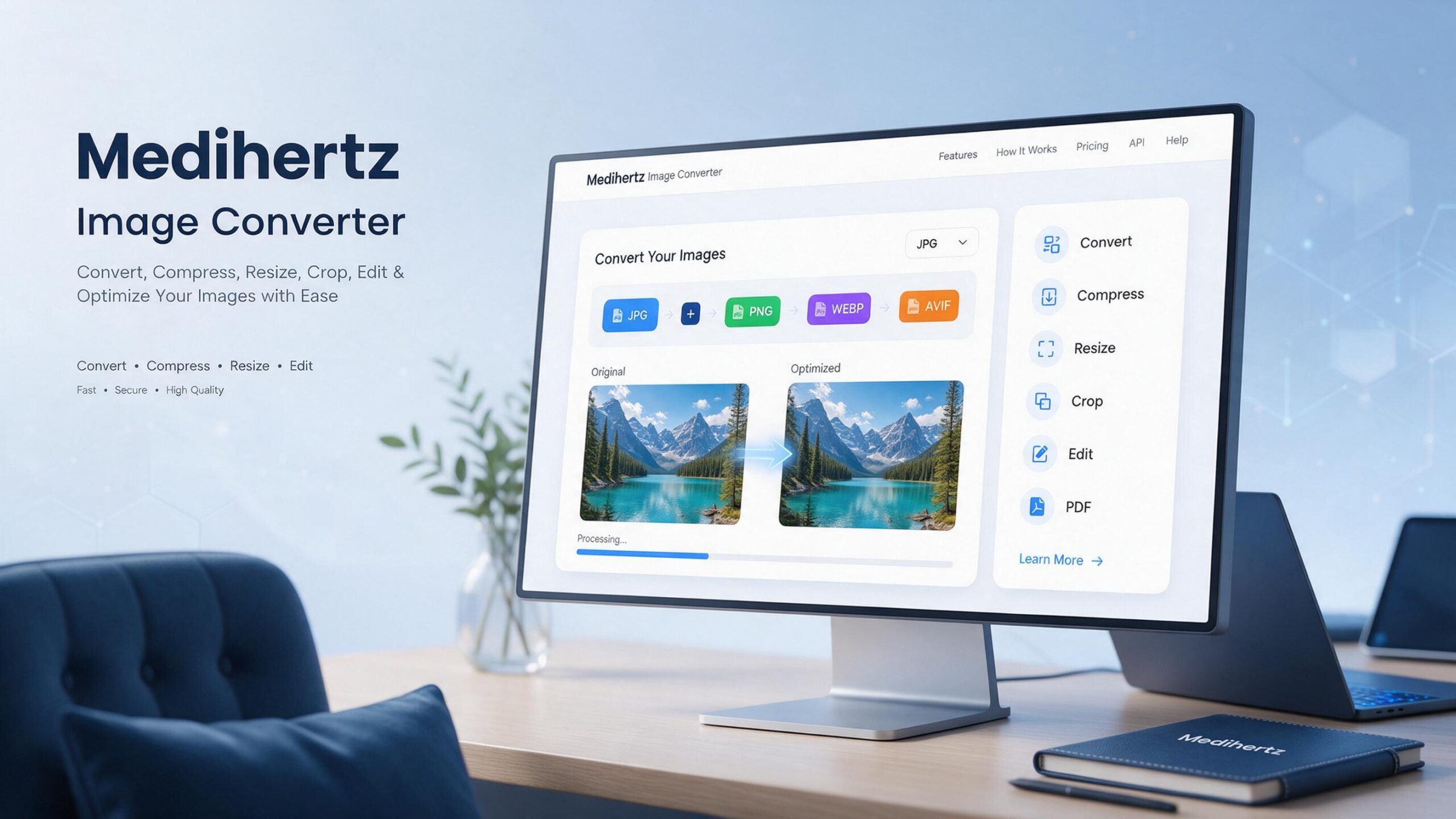
Convert, compress, resize, crop, rotate, edit images and create PDFs online with Medihertz Image Converter. Process JPG, PNG, WEBP, AVIF directly in your browser — no uploads, no waiting, completely private.
Convert JPG, PNG and WEBP Images
Our image converter supports all major web image formats. Convert JPG to PNG, PNG to WEBP, WEBP to JPG, and many more combinations. All conversions happen instantly in your browser with full control over quality and dimensions.
Compress Images Online
Reduce file sizes for web, email, or storage. Adjust quality from 10% to 100% for lossy formats like JPG, WEBP, and AVIF. See original size, converted size, and the percentage saved before downloading.
Resize Images Online
Change image dimensions with presets (25%, 50%, 75%, custom) or enter exact pixel values. The aspect ratio lock prevents accidental stretching and keeps your images looking sharp.
Crop and Edit Images
Crop images with free-form selection or common aspect ratios (1:1, 4:3, 16:9). Adjust brightness, contrast, saturation, grayscale and blur before converting. Rotate, flip and add custom background colors for transparent images.
Convert Images to PDF
Combine one or multiple images into a single PDF document. Choose page size (A4, Letter, original ratio) and orientation. Drag to reorder pages before creating the PDF — all processed locally in your browser.
Convert Multiple Images at Once
Batch convert, resize, or process multiple images simultaneously. Upload several files, apply optional transformations, and convert them all in one click. Download individual files or all converted images together.
Privacy-Friendly Image Processing
All image processing happens directly in your browser using JavaScript and the Canvas API. Your images are never uploaded to any server. They remain on your device and are processed locally, ensuring complete privacy and security. Metadata removal is available for extra privacy.
How to Convert an Image
- Upload your images by clicking, dragging, or pasting from your clipboard
- Select your desired output format (JPG, PNG, WEBP, or AVIF)
- Optionally resize, crop, edit, or rotate your images
- Click "Convert Images" and download your converted files
Content below the tool
Free Online Image Converter
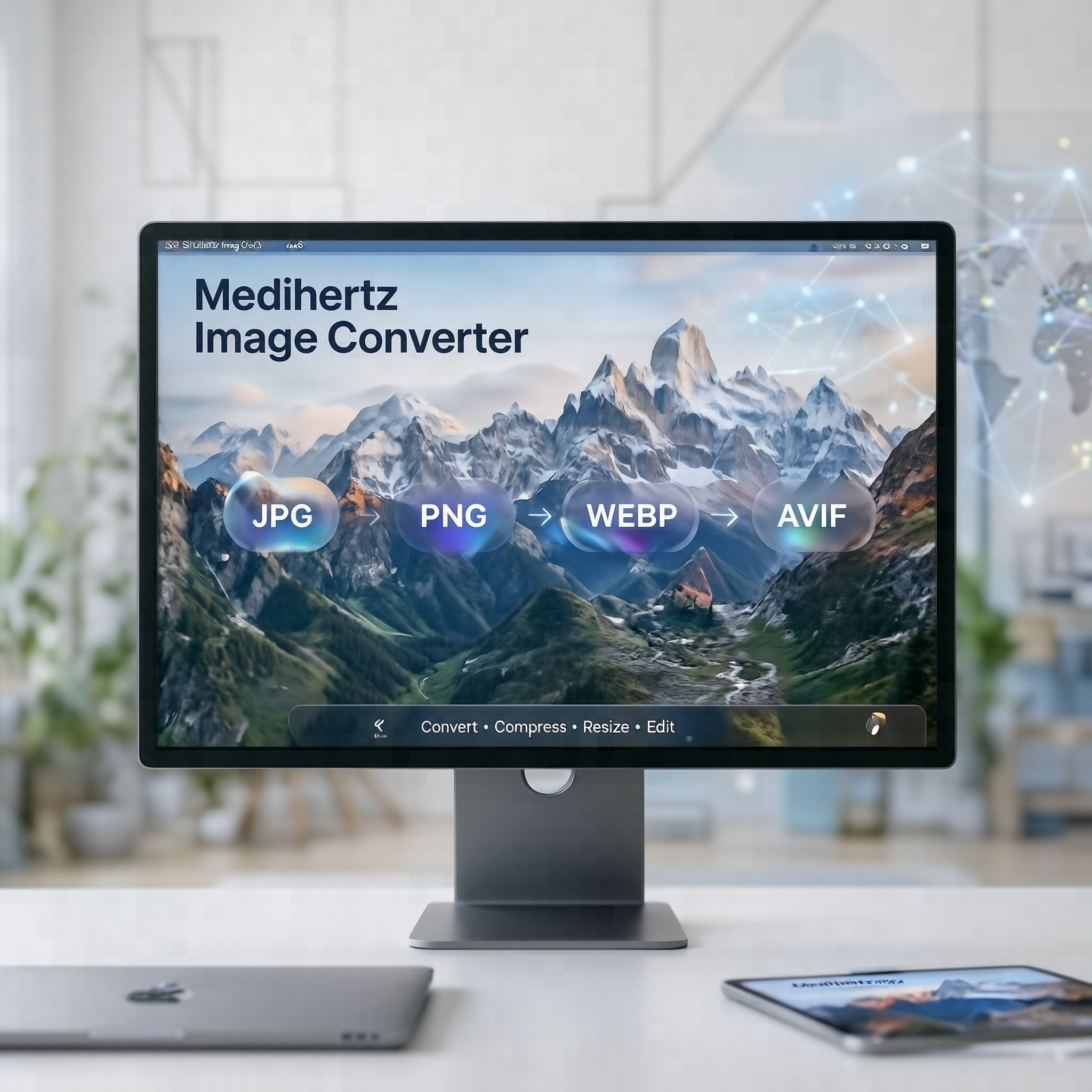
Medihertz Image Converter is a free online image tool for converting, compressing, resizing and editing images directly in your browser.
Convert images between supported formats such as JPG, JPEG, PNG, WEBP and AVIF, with additional formats available depending on browser support.
You can also resize images, crop photos, rotate and flip images, adjust brightness and contrast, apply filters, add text, change backgrounds, and convert images to PDF.
The tool is designed for quick image processing on both mobile phones and desktop computers.
What can you do with Medihertz Image Converter?
Medihertz Image Converter combines several common image tasks in one simple tool.
Convert Image Formats
Change an image from one supported format to another.
Common conversions include:
- JPG to PNG
- PNG to JPG
- JPG to WEBP
- PNG to WEBP
- WEBP to JPG
- WEBP to PNG
- JPG to AVIF
- PNG to AVIF
- WEBP to AVIF
Actual format availability can depend on your browser and the source image.
Compress Images
Reduce image file size while controlling image quality.
Image compression can be useful when you need to:
- reduce a large photo before uploading
- make images smaller for websites
- reduce email attachment size
- optimize images for blogs
- prepare images for online forms
- save storage space
The tool shows the original and processed file size so you can compare the result.
Resize Images
Resize an image to specific dimensions or scale it by percentage.
You can resize images by:
- width and height
- percentage
- maintaining the original aspect ratio
This is useful when a website, application, social platform or online form requires a specific image size.
Crop Images
Crop an image to remove unwanted areas or create a specific composition.
Common crop ratios include:
- 1:1
- 4:3
- 16:9
- 3:2
- custom crop
Edit Images
The built-in editor provides lightweight image-editing controls without requiring desktop editing software.
Depending on the supported tools, you can:
- adjust brightness
- adjust contrast
- change saturation
- adjust exposure
- change temperature
- sharpen an image
- blur an image
- apply grayscale
- apply filters
- rotate images
- flip images
- add text
- change the image background
Convert JPG, PNG and WEBP Online
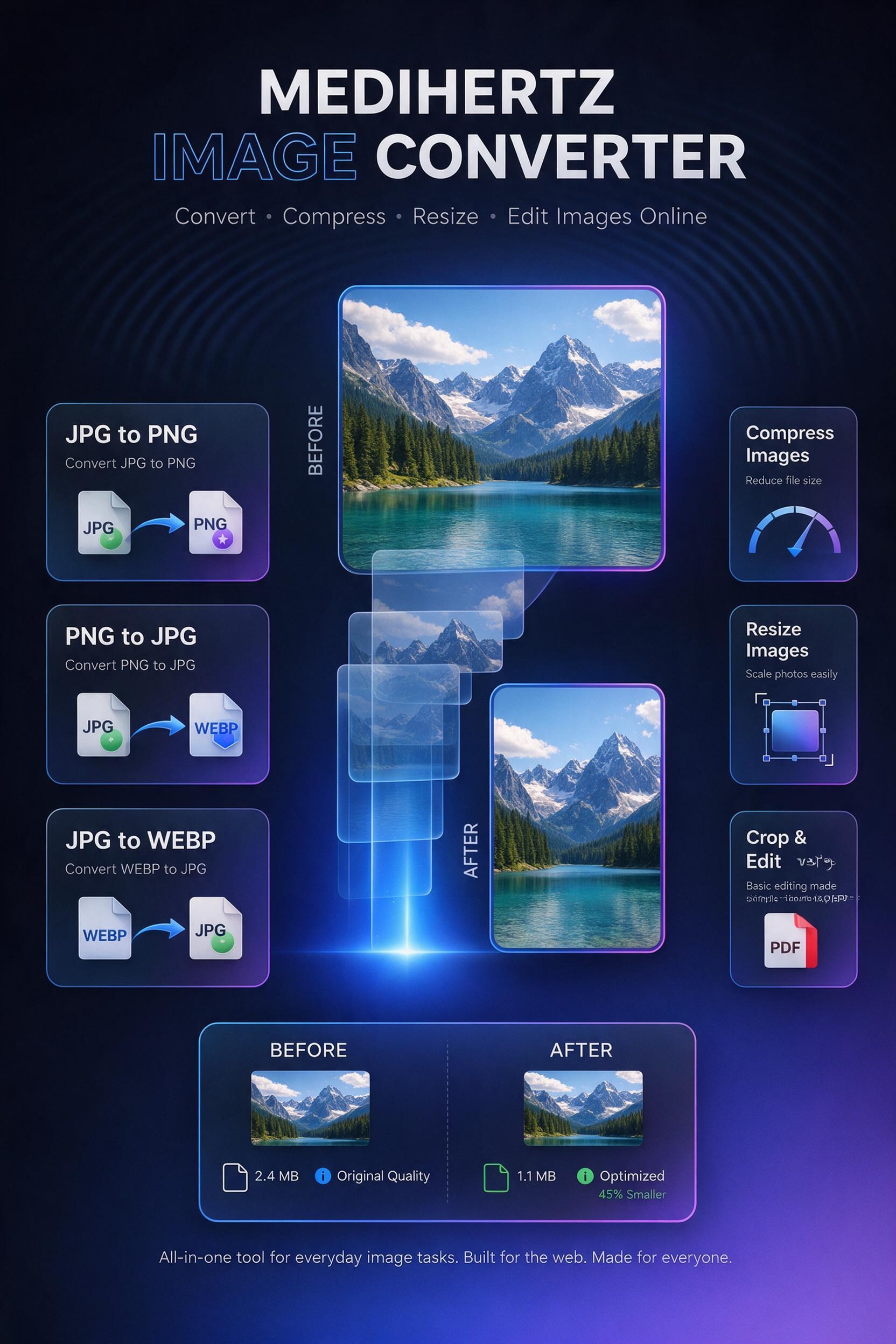
JPG to PNG Converter
Convert JPG or JPEG images to PNG when you need a PNG file or transparency support where applicable.
JPG → PNG
PNG to JPG Converter
Convert PNG images to JPG when you need a smaller, widely supported photographic format.
PNG → JPG
If the original PNG contains transparency, choose an appropriate background color before exporting to JPG.
JPG to WEBP Converter
Convert JPG images to WEBP for modern web use and potentially smaller file sizes.
JPG → WEBP
PNG to WEBP Converter
Convert PNG images to WEBP while choosing an appropriate quality setting when supported.
PNG → WEBP
WEBP to JPG Converter
Convert WEBP images to JPG when you need a more widely compatible photographic format.
WEBP → JPG
WEBP to PNG Converter
Convert WEBP images to PNG when you need a PNG file.
WEBP → PNG
AVIF Conversion
AVIF is a modern image format designed for efficient image compression.
Medihertz Image Converter supports AVIF conversion where the browser supports the required image processing capabilities.
If a particular browser does not support AVIF processing, the tool should provide a clear alternative rather than producing an invalid file.
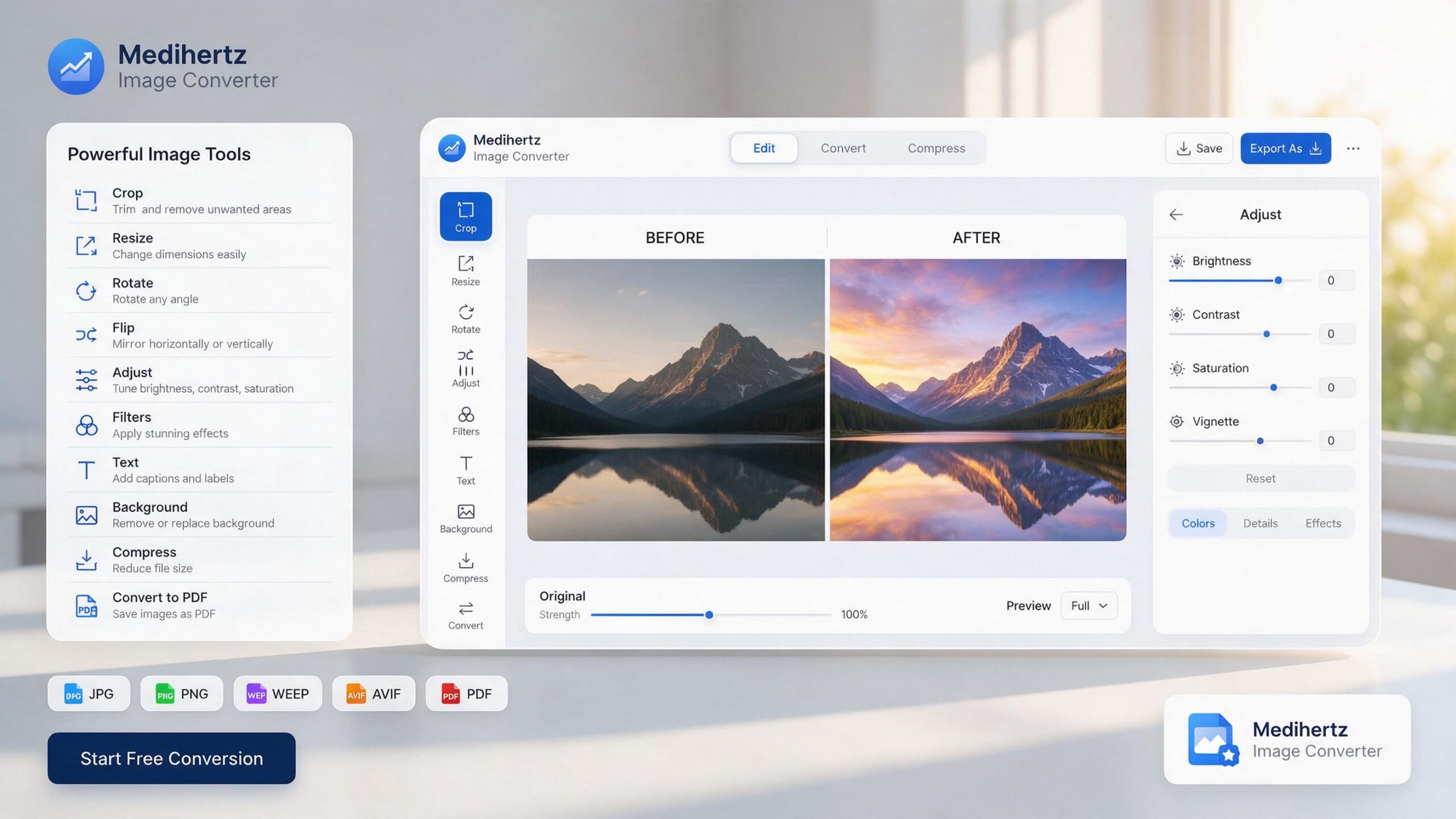
Image Compressor, Resizer and Editor
Compress an Image Online
Need to reduce the size of an image?
Upload your image, adjust the quality when available, process it, and compare the resulting file size with the original.
For example:
Original: 2.4 MB
Converted: 680 KB
Reduction: 72%
The actual result depends on the image, format and compression settings.
Resize an Image Online
You can resize images to exact pixel dimensions or scale them proportionally.
For example:
1920 × 1080 → 1280 × 720
Keeping the aspect ratio locked helps prevent unwanted stretching.
Crop, Rotate and Flip Images
Use the editor to quickly prepare an image before downloading it.
You can crop unwanted areas, rotate an image, or flip it horizontally or vertically.
These basic editing tools are useful when preparing images for websites, social media, documents and other online uses.
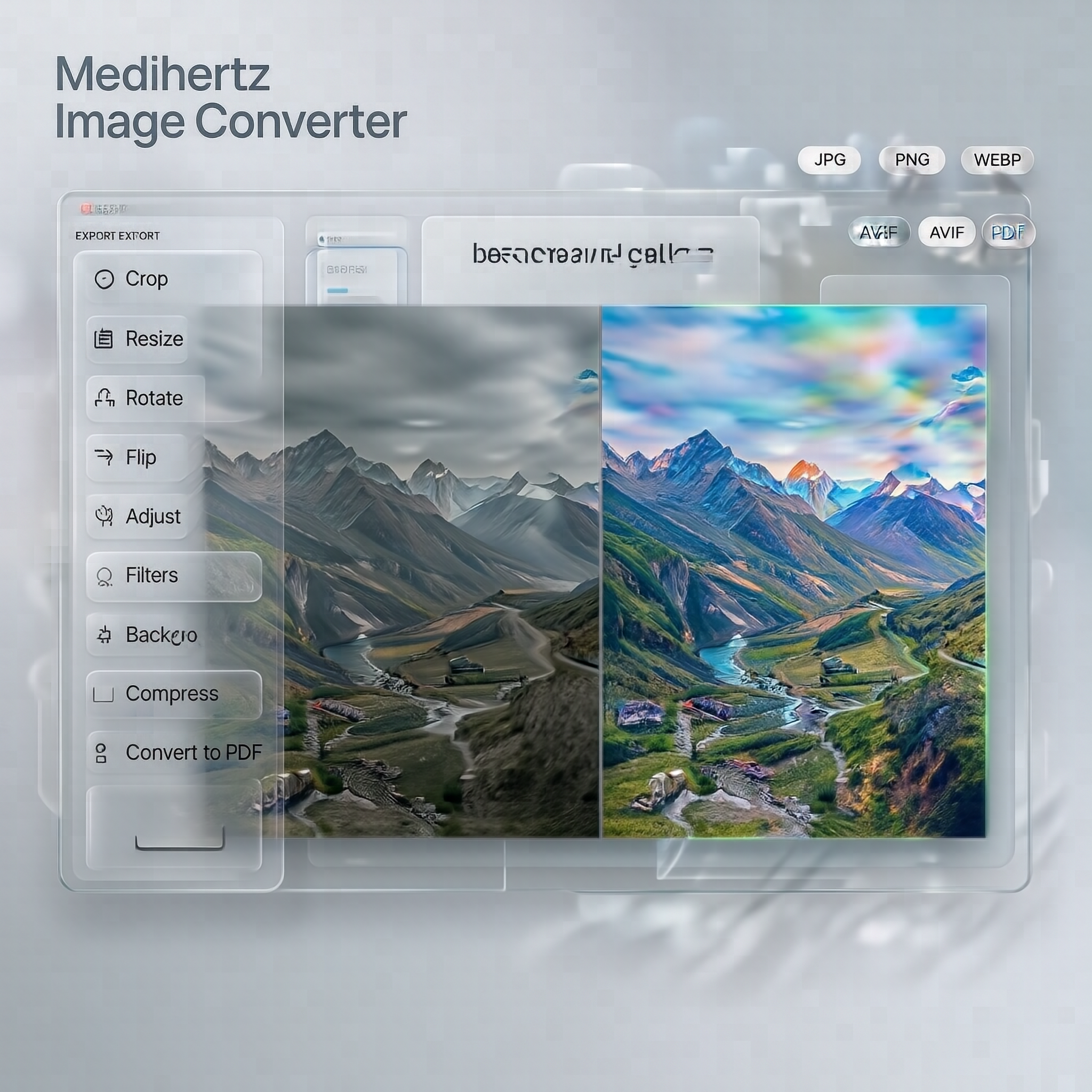
Add Text to an Image
Medihertz Image Converter also includes an image-editing option for adding text.
You can add text directly to an image and adjust available options such as:
- font
- size
- color
- alignment
- opacity
- bold or italic styling
- position
This can be useful for creating simple banners, announcements, thumbnails, quotes, labels and social-media graphics.
Convert Images to PDF
You can also use the tool to create PDF files from images.
Upload one or multiple supported images and create a PDF document.
For multiple images, you can arrange the images before creating the PDF where the feature is supported.
This can be useful for:
- scanned documents
- photo collections
- receipts
- forms
- notes
- image-based documents
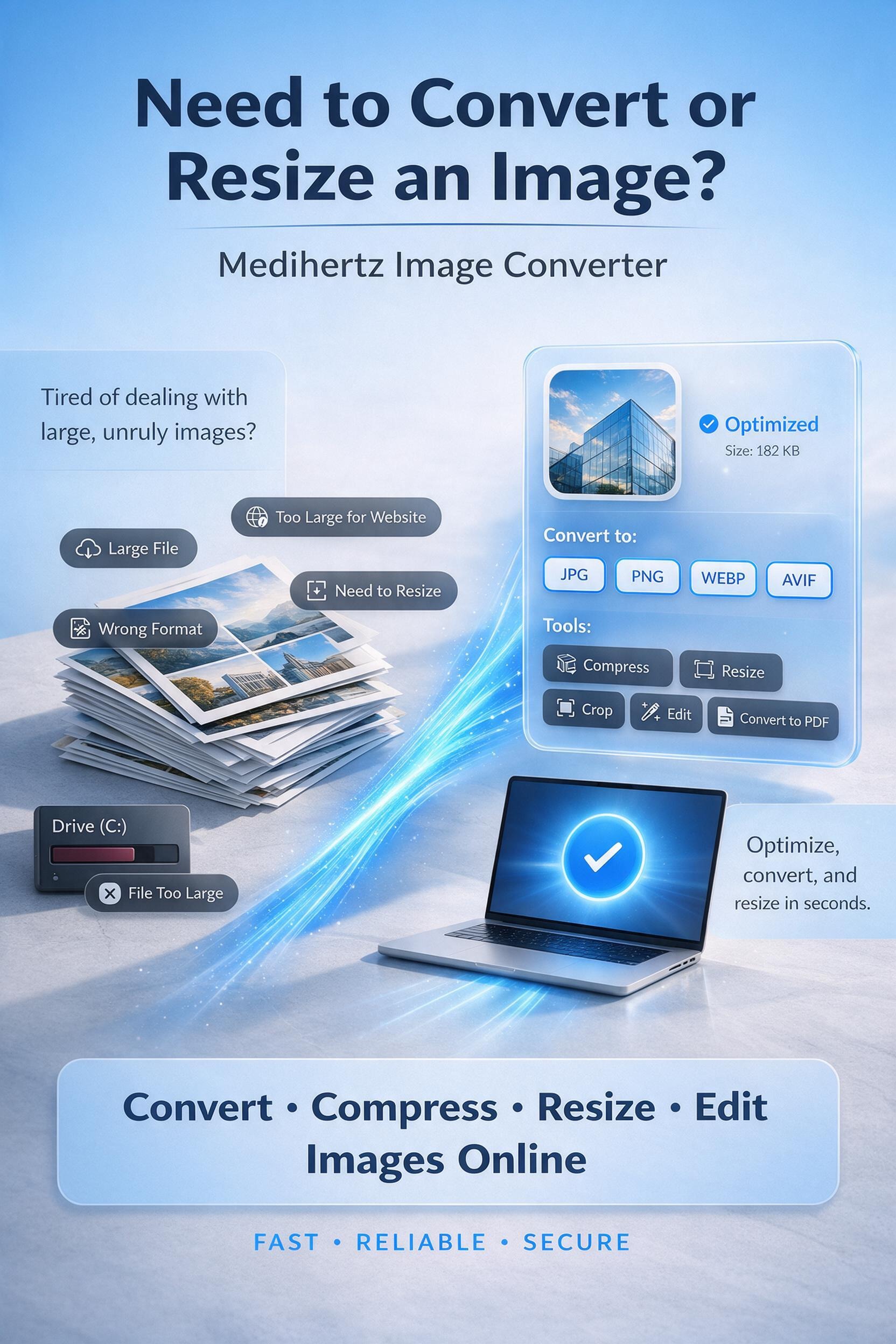
Convert Multiple Images
Medihertz Image Converter supports batch image processing where available.
Instead of processing every image separately, you can select multiple images and apply the same conversion or processing settings.
This is useful when you need to:
- convert several JPG files to WEBP
- convert multiple PNG files to JPG
- resize a collection of images
- compress multiple images
- create a PDF from several images
Is Medihertz Image Converter Free?
Yes. Medihertz Image Converter is designed as a free online image utility.
There is no need to install desktop image-editing software just to perform common conversion, resizing, compression or editing tasks.
Do I need to install software?
No.
The tool works in a modern web browser, so you can use it from a desktop computer, tablet or smartphone.
Can I use the Image Converter on my phone?
Yes.
The interface is designed to work on both mobile and desktop screens.
You can upload images from your phone, select the required operation, edit or convert the image, and download the result.
Are my images uploaded to a server?
If your current implementation genuinely processes everything locally in the browser, use this wording:
Your images are processed directly in your browser and are not uploaded to a Medihertz server for conversion.
This is an excellent trust signal, but only keep this statement if the actual implementation supports it. Don’t make a privacy claim that the tool doesn’t technically provide.
Which image format should I use?
The best format depends on what you are doing.
| Format | Common use |
|---|---|
| JPG/JPEG | Photographs and general images |
| PNG | Graphics, logos and images requiring transparency |
| WEBP | Modern websites and web images |
| AVIF | Modern web delivery and efficient compression |
| GIF | Simple animated or legacy graphics |
There is no single best format for every image. Choose the format according to the image type, required quality, transparency needs and compatibility.
JPG vs PNG vs WEBP vs AVIF
JPG
JPG is widely used for photographs and images with many colors. It uses lossy compression, so very aggressive compression can reduce image quality.
PNG
PNG uses lossless compression and supports transparency. It is often useful for logos, graphics, screenshots and images where preserving exact visual information is important.
WEBP
WEBP supports both lossy and lossless compression and is widely used for modern websites.
AVIF
AVIF is a newer image format designed for efficient compression and modern web delivery. Browser support and encoding capabilities can vary.
How to Convert an Image Online
1. Upload your image
Select an image from your device or drag it into the converter.
2. Choose what you want to do
Convert, compress, resize, crop or edit the image.
3. Select the output settings
Choose the format, quality, dimensions or other available options.
4. Download the result
Process the image and download the converted file.
Common Image Conversion Questions
How do I convert JPG to PNG?
Upload the JPG image to Medihertz Image Converter, choose PNG as the output format, process the image and download the resulting PNG file.
How do I convert PNG to JPG?
Upload the PNG image, select JPG as the output format and process it. If the PNG contains transparency, select an appropriate background color because JPG does not support transparent pixels.
How do I convert JPG to WEBP?
Upload the JPG image, select WEBP, choose the desired quality if available, and download the converted WEBP image.
How do I convert WEBP to JPG?
Upload the WEBP image, choose JPG as the output format and download the converted image.
How can I reduce image file size?
Use the compression controls to reduce quality or optimize the image. The best setting depends on the original image and how much quality you are willing to trade for a smaller file.
How can I resize an image without losing its proportions?
Enable the aspect-ratio lock and change either the width or height. The other dimension will be adjusted proportionally.
How can I convert multiple images at once?
Upload multiple images, select the required conversion or processing settings, and use the batch conversion option when available.
Can I convert images to PDF?
Yes. Use the Image to PDF feature to create a PDF from one or multiple supported images.
Can I edit an image before converting it?
Yes. Use the editing tools to crop, resize, rotate, flip, adjust the image, apply filters or add text before exporting.
Can I use the tool on Android or iPhone?
Yes. The web-based interface is designed to work on modern mobile browsers as well as desktop browsers.
Who is this image converter for?
Medihertz Image Converter can be useful for:
Website owners
Convert and resize images before publishing them online.
Bloggers and content creators
Prepare JPG, PNG and WEBP images for articles, thumbnails and social content.
Students
Resize, convert and combine images for assignments and documents.
Designers
Quickly convert formats and perform simple image adjustments without opening a full desktop editor.
Developers
Convert images between common web formats such as JPG, PNG, WEBP and AVIF.
Everyday users
Convert photos and images when a website, application or document requires a particular format or size.
Why Use Medihertz Image Converter?
Simple
Common image tasks are available in one place.
Works in your browser
No desktop application is required.
Mobile friendly
Use the converter from a smartphone, tablet or computer.
Multiple image tools
Convert, compress, resize, crop and edit images from one interface.
Multiple formats
Work with commonly used formats such as JPG, PNG, WEBP and supported modern formats.
Privacy-focused
If processing is entirely local, images can be processed directly on your device without uploading them.
Explore More Image Tools
You can expand this section later as individual Medihertz tools become available:
- Image Converter
- Image Compressor
- Image Resizer
- Image Cropper
- JPG to PNG Converter
- PNG to JPG Converter
- JPG to WEBP Converter
- PNG to WEBP Converter
- WEBP to JPG Converter
- WEBP to PNG Converter
- AVIF Converter
- Image to PDF
- Image Editor
These should eventually become real internal links, not just keyword text.
About Medihertz Image Converter
Medihertz Image Converter is part of the Medihertz collection of browser-based digital tools.
The goal is simple: make common image tasks such as converting, compressing, resizing, editing and preparing images for online use easier without requiring complicated desktop software.
☸