
TuneNaad 🎸 Guitar, Tabla, Vocal Tuner with Pure Tone & Tanpura Support
Accurate tuning for singers, guitarists, tabla & harmonium players using stable reference tones and visual pitch feedback.
TuneNaad
Pure Tone Reference Tuner with Visual Pitch Feedback
- Background noise affects accuracy
- Very low bass instruments may fluctuate
- Browser tuners are ~95% accurate
- This is a reference tool, not a lab instrument
TuneNaad.0.08
TuneNaad – Pure Tone & Tanpura Reference Tuner (Visual Pitch Feedback)
TuneNaad is a professional browser-based instrument tuner designed for singers, guitarists, tabla players, harmonium users, and musicians who want accurate tuning using pure reference tones.
Unlike heavy apps, TuneNaad works instantly in your browser — no installation, no ads, no login, and no distractions.
It combines:
Pure tone reference
Tanpura drone
Live microphone pitch detection
Visual tuning feedback
All in one clean, artist-friendly interface.
🔗 Explore More Medihertz Tools
🔊 Healing Frequency Tools
- Vocal Pitch & Ear Scale Trainer
- Find Your Tinnitus Frequency Online
- TuneNaad 🎸
- CampHertz: A Camping Sound Guard for Night Protection
- Daily Weight Loss Frequencies
- Instant Hz Listener
- Hz Frequency Generator (Advanced)
- Om Chanting Meditation Tool
- CatPurrTone Tool
- Third Eye & Chakra Alignment Frequency Tool
- SENCAR Focus Waves for Driving, Travel & Long Focus Sessions 🔴🚘
- TradeMind Frequency Analyzer – for Traders
- White Noise & Binaural Beats Generator Free
- CalmMind Quiz
- Manifestation Tools
- Magic Ball Prediction Tool
🎵 What Is TuneNaad Used For?
TuneNaad helps musicians:
Tune instruments accurately
Match pitch visually and by ear
Reduce tuning confusion
Practice with calm, stable reference tones
It is not just an “auto tuner”.
It is a reference tuner + ear training tool, built for daily practice and performance preparation.
👤 Who Can Use TuneNaad?
TuneNaad is designed for all levels.
Ideal for:
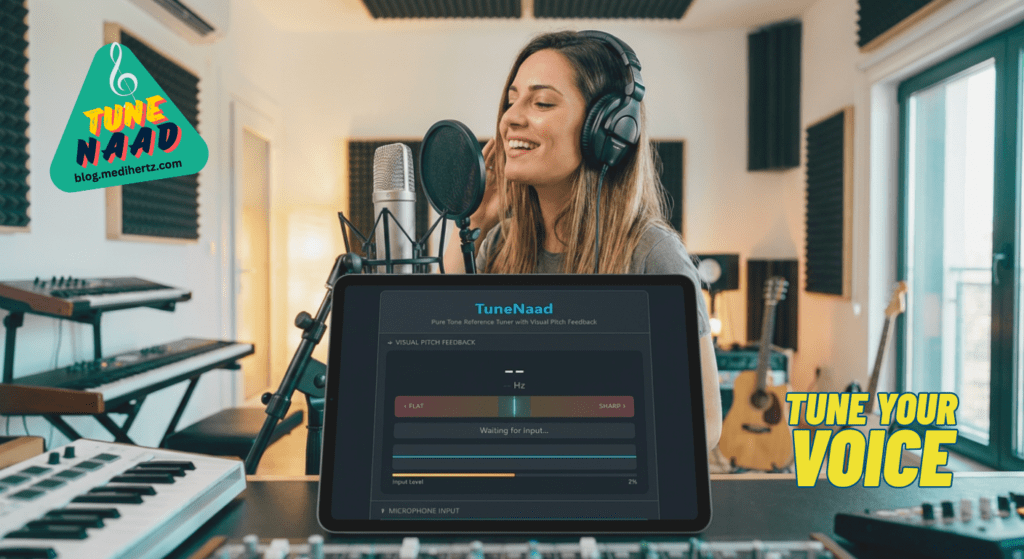
🎤 Singers & vocalists (male, female, classical, contemporary)
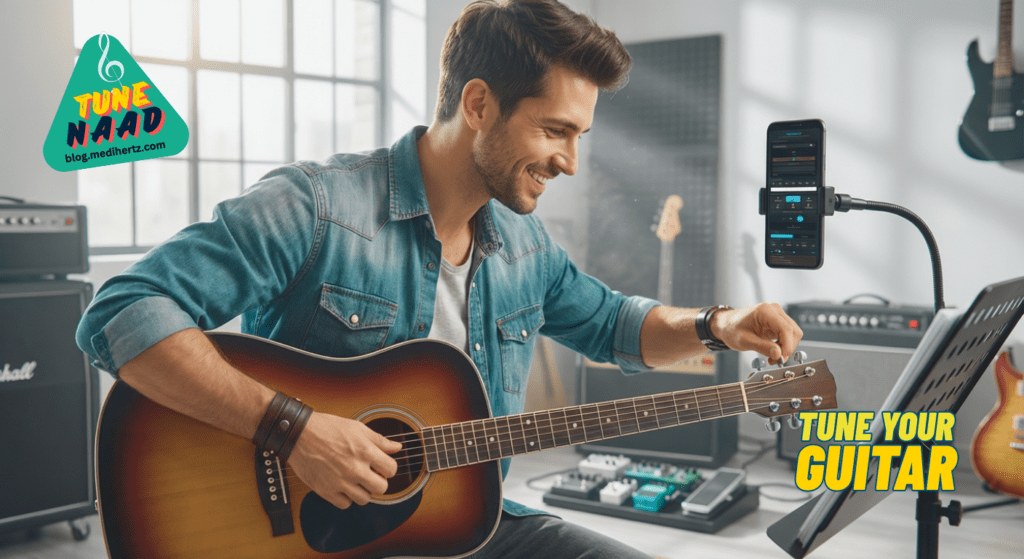
🎸 Guitar players
🥁 Tabla & Indian percussion artists
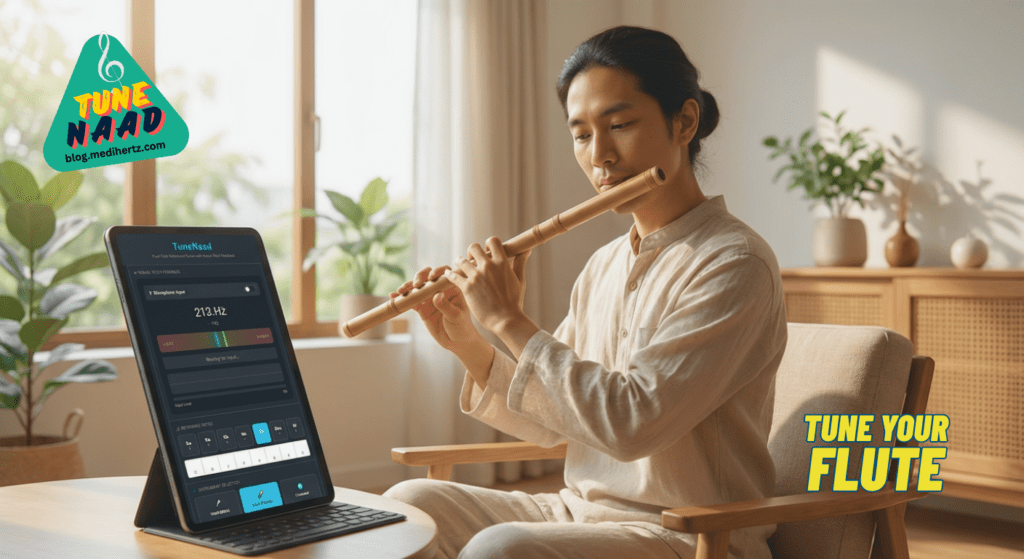
🎹 Harmonium & keyboard players
🎧 Beginners & tone-awareness learners
🧘 Meditation & sound practice users
No musical theory is required.
If you can listen, you can use TuneNaad.
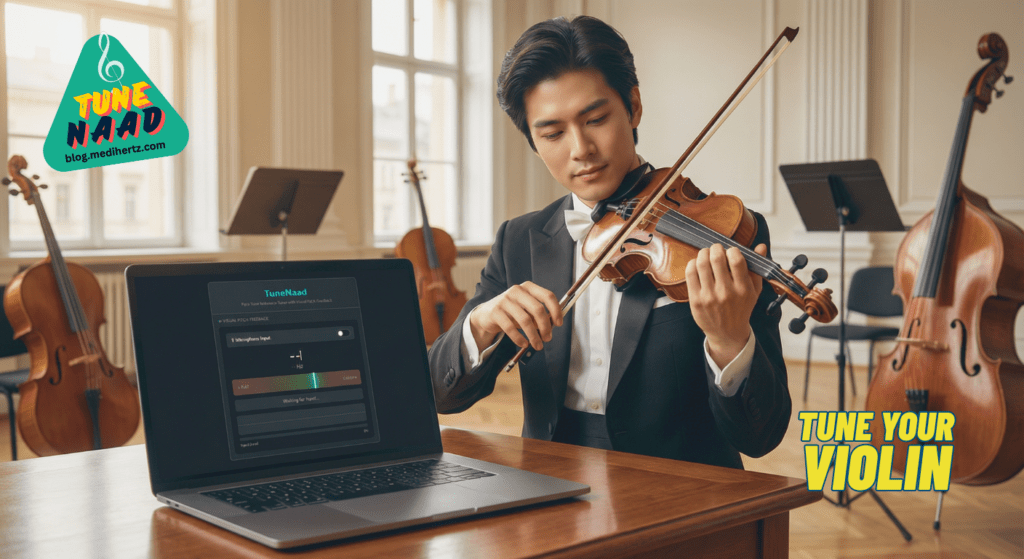
🎯 How to Tune Your Instrument Using TuneNaad
Step 1: Enable Microphone
Turn on Microphone Input
Allow browser permission
Play your instrument normally
The tuner will detect:
Note name
Frequency (Hz)
Sharp / flat position
Step 2: Choose Your Instrument
Select the instrument you are tuning:
Vocal (Male / Female)
Guitar
Tabla
Harmonium
Universal (Chromatic)
TuneNaad automatically recommends the correct tuning range.
Step 3: Match the Pitch
Watch the center tuning indicator
When the needle stays in the middle (green), your note is in tune
Adjust tension or pitch slowly
A soft confirmation sound may indicate correct tuning.
🎸 Recommended Tuning Notes (By Instrument)
🎤 Vocal (Practice Reference)
Sa (C) – base reference
Pa (G) – stability & range control
Use Tanpura mode for long practice
🎸 Guitar (Standard Tuning)
Tune each string to:
| String | Note |
|---|---|
| 6th | E |
| 5th | A |
| 4th | D |
| 3rd | G |
| 2nd | B |
| 1st | E |
Use Pure Tone mode for precise tuning.
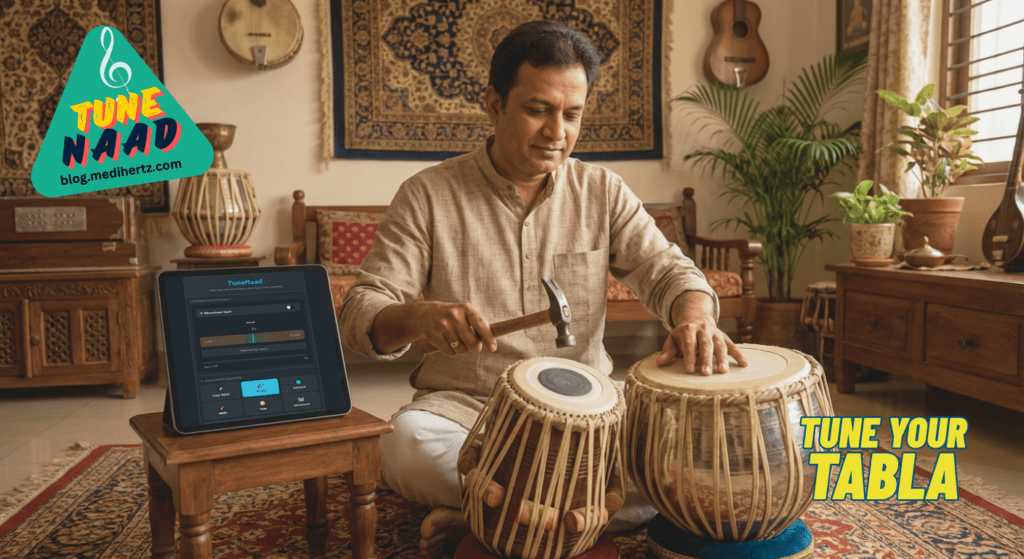
🥁 Tabla (Dayan Tuning)
Most commonly tuned to:
Sa (C) – classical base
Pa (G) – alternative tradition
Tune until:
Note is stable
No sharp/flat movement
Sound feels open and clear
Rare feature: TuneNaad visually shows tabla pitch, which most tuners do not.
🎹 Harmonium / Keyboard
Tune to Sa (C) reference
Check Pa (G) for stability
Use chromatic scale for full inspection
🔊 Pure Tone vs Tanpura Mode
Pure Tone Mode
Best for:
Instrument tuning
Precise pitch matching
Technical accuracy
Tanpura Drone Mode
Best for:
Vocal practice
Indian classical music
Long listening & pitch stability
Switch freely based on comfort.
⭐ Why TuneNaad Is Different From Other Tuners
| Feature | TuneNaad | Typical Tuner Apps |
|---|---|---|
| Pure reference tones | ✅ Yes | ❌ No |
| Tanpura drone | ✅ Yes | ❌ Rare |
| Indian instruments | ✅ Yes | ❌ Limited |
| Visual pitch feedback | ✅ Yes | ✅ Yes |
| No app install | ✅ Yes | ❌ No |
| Works on web & mobile | ✅ Yes | ❌ App only |
| Calm, distraction-free UI | ✅ Yes | ❌ Cluttered |
Most tuners focus only on visual correction.
TuneNaad trains ear + eye together, which builds real musical accuracy.
🌍 Global & Mobile Friendly
Works on phones, tablets, laptops
Touch-optimized controls
Fast loading
No heavy scripts
Works even on slow networks
Perfect for practice at home, studio, or backstage.
⚠️ Important Note (Honest & Transparent)
Background noise can affect accuracy
Very low bass instruments may fluctuate slightly
Browser tuners are ~95% accurate (not lab tools)
This tool is designed for musicians, not machines.
🌱 Final Words
TuneNaad is built with one goal:
Make tuning simple, honest, and stress-free.
Use it daily.
Trust your ear.
Let accuracy come naturally.

❓ FAQ
What is TuneNaad?
TuneNaad is an online instrument tuner that helps musicians tune vocals and instruments using pure tone reference, tanpura drone, and live pitch detection.
Which instruments can be tuned using TuneNaad?
You can tune vocals, guitar, tabla, harmonium, keyboard, and any chromatic instrument using TuneNaad.
Is TuneNaad suitable for Indian classical music?
Yes. TuneNaad includes tanpura drone and Sa–Pa reference, making it ideal for Indian classical and semi-classical music practice.
Does TuneNaad work on mobile and desktop?
Yes. TuneNaad is fully browser-based and works on mobile phones, tablets, and desktop devices without installing any app.
How accurate is TuneNaad?
TuneNaad provides high-accuracy pitch detection suitable for practice and performance preparation. Accuracy may vary slightly due to background noise or microphone quality.
Is TuneNaad free to use?
Yes. TuneNaad is completely free to use and does not require sign-up or installation.
🔗 Explore More Medihertz Tools
🔊 Healing Frequency Tools
- Vocal Pitch & Ear Scale Trainer
- TuneNaad 🎸
- Daily Weight Loss Frequencies
- Instant Hz Listener
- Hz Frequency Generator (Advanced)
- Om Chanting Meditation Tool
- CatPurrTone Tool
- Third Eye & Chakra Alignment Frequency Tool
- TradeMind Frequency Analyzer – for Traders
- White Noise & Binaural Beats Generator Free
- CalmMind Quiz
- Manifestation Tools
- Magic Ball Prediction Tool
Also Read
Related 👇
- Kozyrev Mirror vs Mirror Meditation: Why You Don’t Need a Lab to Explore Consciousness
- How to Build a Kozyrev Mirror Step by Step Guide.
- What Does a Kozyrev Mirror Do? The Complete Guide
Most Read 👇
- 2026 Will Change Everything: What Your Life Path Number Must Prepare For
- The One Frequency You Must Avoid in 2026 (Based on Your Birth Number)
- Peer Pressure: What It Is, How to Identify It, and How to Overcome It
- What Is Walmart’s DEI Program? (Diversity, Equity & Inclusion Explained)
- 3I/ATLAS: Is the Interstellar Object Alien Technology?
- Mystery From the Sky: The Buga Sphere Appears in ColombiaOumuamua: The Mysterious Interstellar Visitor and the Cosmic Message in Prashyant Jha’s Song
- Hz Frequency Generator- Free Online Tone Generator
Frequency Articles- 👇
- 👉Complete Guide to Brainwave Frequencies (Hz Explained Simply)
- 👉 The One Frequency You Must Avoid in 2026 (Based on Your Birth Number)
- 👉What is the science behind sound bowls?
- 👉What is 7 Hz good for? A careful, evidence-based guide (with references)
- 👉Cymatics: From 2D Sand Patterns to 3D Sound Sculptures
- 👉 Hz Frequency Generator- Free Online Tone Generator
- 👉 What Frequencies Are Dangerous to Humans? Understanding Risks from Sound to Radiation
- 👉How to do a Cymatic Experiment
- 👉What is the science behind cymatics?
- 👉 NASA-Approved 30-Min Brain Boost
- 👉 What Is The Healing Power Of Sound Wave
- 👉 What does 528 hz do to the brain?
- 👉 The 7 Healing Frequencies: Unlocking the Power of Sound for Wellness
- 👉 The Sacred Science of Yantras: How Cymatics Validates Ancient Tantric Geometry
- 👉 Is 1111 a Lucky Number? A Deep Dive into Its Mystical, Numerological, and Cultural Significance
- 👉 Is 528 Hz Dangerous?
- 👉Delta Waves (0.5–4 Hz): Effects on Mind, Sleep, and Spiritual Energy
- 👉What Happens to Your Brain at 1 Hz Frequency?
- 👉Complete Guide to Brainwave Frequencies (Hz Explained Simply)
- 👉 White Noise for Sleep – Fall Asleep Fast (Free Online Tool)
- 👉 Is It Good to Sleep With White Noise? (Simple Guide for Better Sleep)
Numerology 👇
- Decoding the Mystery: What Happens If You Write 690452 on Your Wrist?
- Is 1111 a Lucky Number? A Deep Dive into Its Mystical, Numerological, and Cultural Significance
- What Does 1 Mean In Numerology
- What Does 2 Mean In Numerology
- What Does Number 3 mean in Numerology
- What Does 4 Mean In Numerology
- What Does 5 Mean In Numerology
- What Does 6 Mean In Numerology
- What Does 7 Mean In Numerology
- What Does 8 Mean In Numerology
- What Does 9 Mean In Numerology
- How to Use the 5 Elements for Personal Growth in Numerology
- Name Numerology Calculator: How to use it.
People Also Read
- 2030 A Doomsday According to Indian Texts or Misinterpretation?
- The Glory of Narasimha Bhagwan: An Exploration of Ancient Indian History
- Medusa and Mansa Devi: The Untold Myths Connecting Greek and Hindu Traditions
- “The Enigmatic Link Between the Bermuda Triangle and Hindu Mythology of Ramayan: Unveiling the Mystery”
- why is mt. Kailash Considered to be a Sacred Site?
- How Eastern Wisdom Can Transform Your Modern Life.
- Lord Shani and Lord Yam : God of Karma for Living and Death
- In which direction Ganesh Idol should face.
- What is the logic for existence of God?
- Who Is Mahadev Shiv ?
- How to increase love for Krishna?
- Hanuman Chalisa English Lyrics| Bhajle Ram Naam | Prashyant Jha
Free AI Tools To test yourself
- Love Percentage Checker Tool – Check For Free!
- Soulmates Initial Finder
- Hz Frequency Generator- Free Online Tone Generator
- Mental Health Check In Tool [ FREE TEST ]
- Best Free Phone Photos Download
- Image Converter (Online & Free)