
AI Audio Cleaner
Clean noise. Strengthen your voice. Improve your recording.
Supports WAV, MP3, OGG, WebM, M4A
Click & drag on the waveform to select a region, then use the tools below.
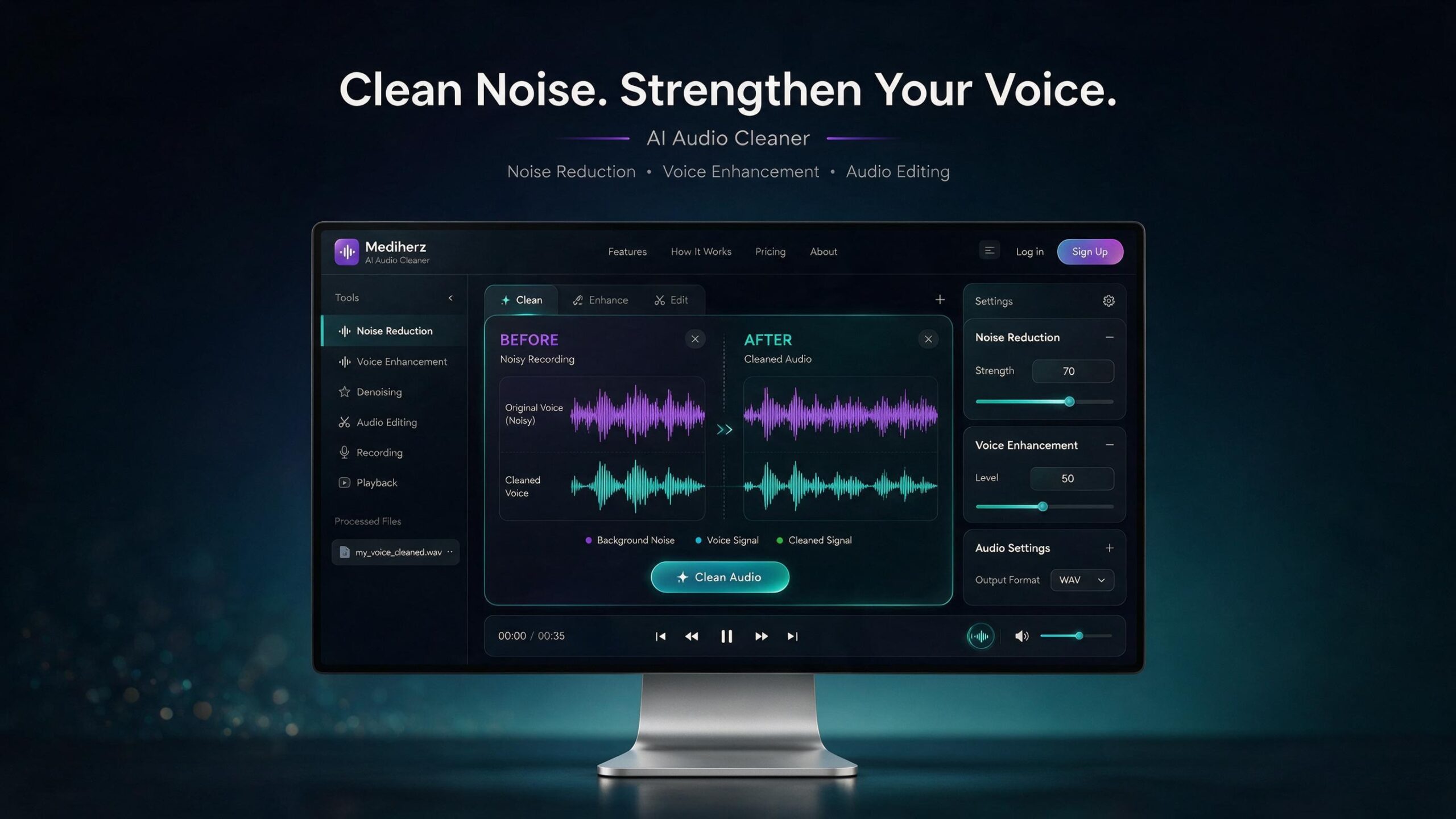
AI Audio Cleaner – Remove Background Noise & Enhance Voice
Clean noisy recordings and make voices clearer in seconds.
Medihertz AI Audio Cleaner is an easy-to-use online audio cleaner for removing unwanted background noise and improving voice quality. Upload or record your audio, adjust the cleanup level, preview the result, enhance your voice and download the cleaned recording.
No complicated audio engineering software is required.
Free Online Audio Noise Remover & Voice Enhancer
Background noise can make an otherwise good recording difficult to hear. Fan noise, AC hum, microphone hiss, room noise and other unwanted sounds can reduce the quality of voice recordings.
Medihertz AI Audio Cleaner is designed to make audio cleanup simple.
Use it to:
- Remove background noise from audio
- Reduce hiss and unwanted ambient sounds
- Clean voice recordings
- Improve speech clarity
- Strengthen and brighten vocals
- Improve the overall quality of recordings
- Preview original and cleaned audio
- Record voice directly in your browser
- Download the processed audio
The tool is designed for beginners as well as voice-over artists, YouTubers, podcasters, musicians, teachers and content creators.
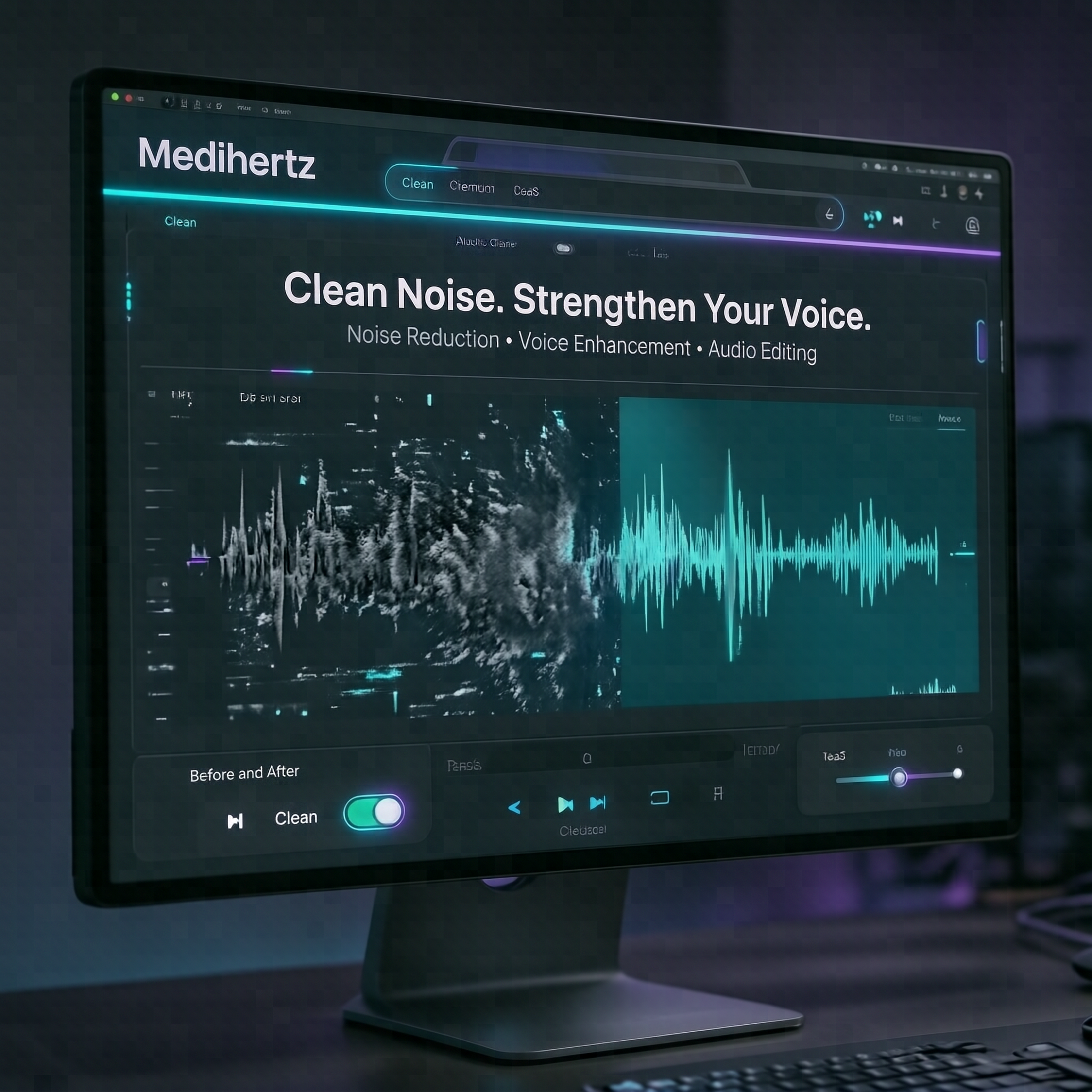
Clean Audio in a Few Simple Steps
1. Upload or Record Your Audio
Upload an existing recording or record your voice directly from your microphone.
2. Adjust Noise Reduction
Choose the amount of noise reduction you need and preview the effect before applying it.
3. Listen to the Difference
Use the waveform and playback controls to compare the original and processed recording.
4. Enhance Your Voice
Apply voice enhancement to improve clarity, presence, brightness and overall balance.
5. Download Clean Audio
When you’re satisfied with the result, export your cleaned recording.
Upload → Clean → Enhance → Preview → Download
Remove Background Noise from Voice Recordings
Medihertz Audio Cleaner is particularly useful for spoken-word recordings where voice clarity matters.
It can help reduce common unwanted sounds such as:
- Fan noise
- Air-conditioner noise
- Computer noise
- Microphone hiss
- Electrical hum
- Low-level room noise
- Background ambience
- Recording noise
- Some unwanted environmental sounds
For the best results, start with moderate noise reduction. Very aggressive processing can make a voice sound unnatural, so the tool allows you to preview the result before finalizing it.
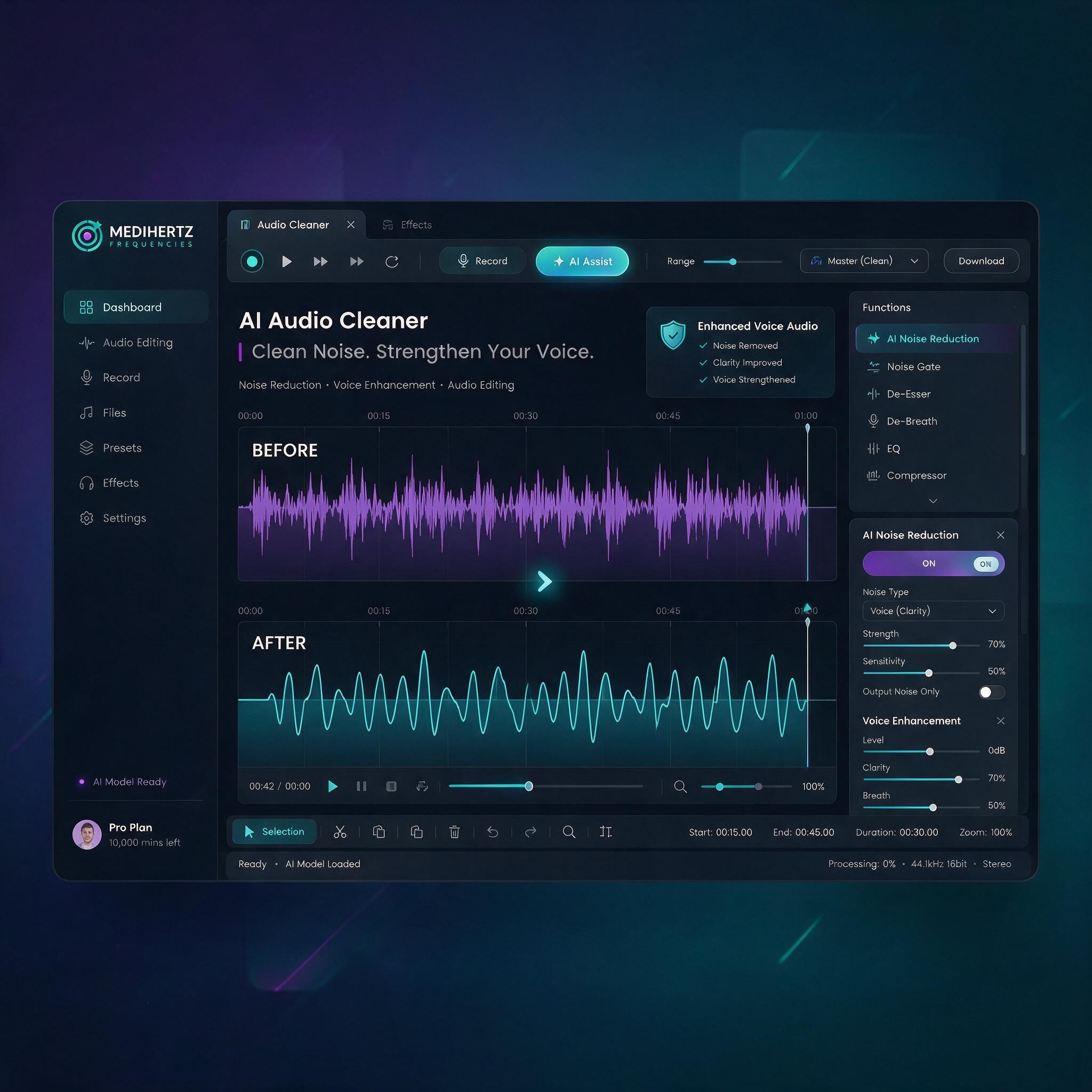
Enhance Voice Clarity After Noise Reduction
Noise removal is only part of professional audio cleanup.
After reducing unwanted noise, voice recordings can sometimes sound slightly dull or thin. The Voice Enhancement function is designed to restore presence and improve the perceived clarity of speech.
It can help make a recording sound:
Cleaner · Brighter · Stronger · More Balanced · Easier to Understand
This makes the tool useful for:
- Voice-over recordings
- YouTube narration
- Podcast recordings
- Audiobooks
- Online courses
- Interviews
- Video narration
- Social media content
- Voice messages
- Presentations
Online Voice Cleaner for Voice-Over Artists
If you record voiceovers at home, your recording environment may not always be perfect.
Medihertz AI Audio Cleaner gives you a simple way to improve a recording before using it in a video, advertisement, audiobook, podcast or other project.
Instead of opening a complicated digital audio workstation, you can upload your recording, clean the background noise, enhance the voice and preview the result in one place.
Audio Cleaner for YouTube & Content Creators
Good video content needs clear audio.
Background noise can distract viewers and make narration difficult to understand. Use the Audio Cleaner to improve voice recordings for:
- YouTube videos
- Shorts
- Instagram Reels
- Facebook videos
- Podcasts
- Tutorials
- Explainer videos
- Interviews
- Educational content
Clean voice audio can make your content feel more polished and professional.
Record and Clean Your Voice Online
You don’t necessarily need a separate recording application.
Use the Record Voice option to capture audio directly through your browser, then process the recording using the same Audio Cleaner workflow.
This is useful when you want to quickly:
Record → Clean → Enhance → Preview → Download
Original vs Cleaned Audio
Don’t simply trust a processing button.
Medihertz Audio Cleaner lets you listen to your recording and compare the processed result with the original audio.
This gives you more control over the final sound and helps you avoid excessive noise reduction that can make speech sound unnatural.
Who Is This Audio Cleaner For?
🎙 Voice-Over Artists
Clean and enhance narration and voice-over recordings.
🎥 YouTubers
Improve narration and spoken audio for videos.
🎧 Podcasters
Reduce unwanted background noise and improve voice clarity.
🎤 Singers & Musicians
Improve the clarity and presence of vocal recordings.
👨🏫 Teachers & Educators
Make recorded lessons easier to understand.
📱 Content Creators
Improve voice recordings for social media and short-form videos.
💼 Professionals
Clean interviews, presentations, meetings and other spoken recordings.
Why Use Medihertz AI Audio Cleaner?
Simple Audio Cleanup
No complicated audio engineering workflow. The interface is designed around the most important tasks.
Voice-Focused Enhancement
Clean unwanted noise and improve voice clarity without requiring detailed knowledge of EQ, compression or audio engineering.
Real-Time Preview
Listen to your recording before downloading the final version.
Browser-Based
Use the tool directly from your web browser without installing a traditional desktop audio editor.
Privacy-Focused Processing
Where supported by the implementation, audio processing happens locally in your browser, helping keep your recordings on your device.
What Is an Audio Cleaner?
An audio cleaner is a tool used to reduce unwanted sounds and improve the quality of an audio recording.
Depending on the recording, audio cleanup can involve reducing background noise, hiss, hum and other unwanted sounds while improving speech clarity and overall balance.
An audio cleaner is commonly used for voiceovers, podcasts, interviews, videos, online courses and other spoken recordings.
What Is the Difference Between Noise Reduction and Voice Enhancement?
Noise reduction focuses on unwanted background sounds.
Voice enhancement focuses on improving the perceived clarity, presence, brightness and balance of the voice.
For a typical voice recording, a useful workflow is:
Noise Reduction → Listen → Voice Enhancement → Listen Again → Export
This is why Medihertz combines both functions in one simple workflow.
Frequently Asked Questions
Is Medihertz AI Audio Cleaner free?
Medihertz provides an online audio-cleaning tool designed to let users clean and enhance recordings directly in their browser. Availability of specific features may depend on the current version of the tool.
Can I remove background noise from an MP3?
Yes. The tool is designed to work with common audio formats such as MP3 and WAV, with additional formats supported depending on the browser.
Can I clean a voice recording online?
Yes. Upload your recording, adjust the noise reduction, preview the processed audio and enhance the voice before downloading it.
Can I record my voice directly?
Yes. The tool includes a browser-based voice recording option where supported by your browser and microphone permissions.
Can I compare the original and cleaned audio?
Yes. The interface includes playback and comparison functionality so you can listen to the original and processed versions.
Will noise come back after voice enhancement?
The processing pipeline should be designed so that voice enhancement does not intentionally reintroduce the background noise that was removed during denoising.
Is this useful for voice-over recordings?
Yes. The workflow is particularly suitable for spoken-word recordings such as voiceovers, narration, podcasts and YouTube videos.
Does audio cleaning make every recording studio quality?
Not necessarily. Results depend on the original recording, microphone, room acoustics and type of background noise. Audio cleaning can improve many recordings, but severe noise, clipping, distortion or heavy room echo may require more advanced restoration.
Try the Free Audio Cleaner
Have a noisy recording? Clean it and hear the difference.
Upload your audio or record your voice, adjust the cleanup, enhance the voice and preview the result.
Clean Your Audio Online
Remove background noise. Improve voice clarity. Make your recordings sound better.
☸