
How to Use Social Searcher: The Ultimate Guide for Social Media Monitoring
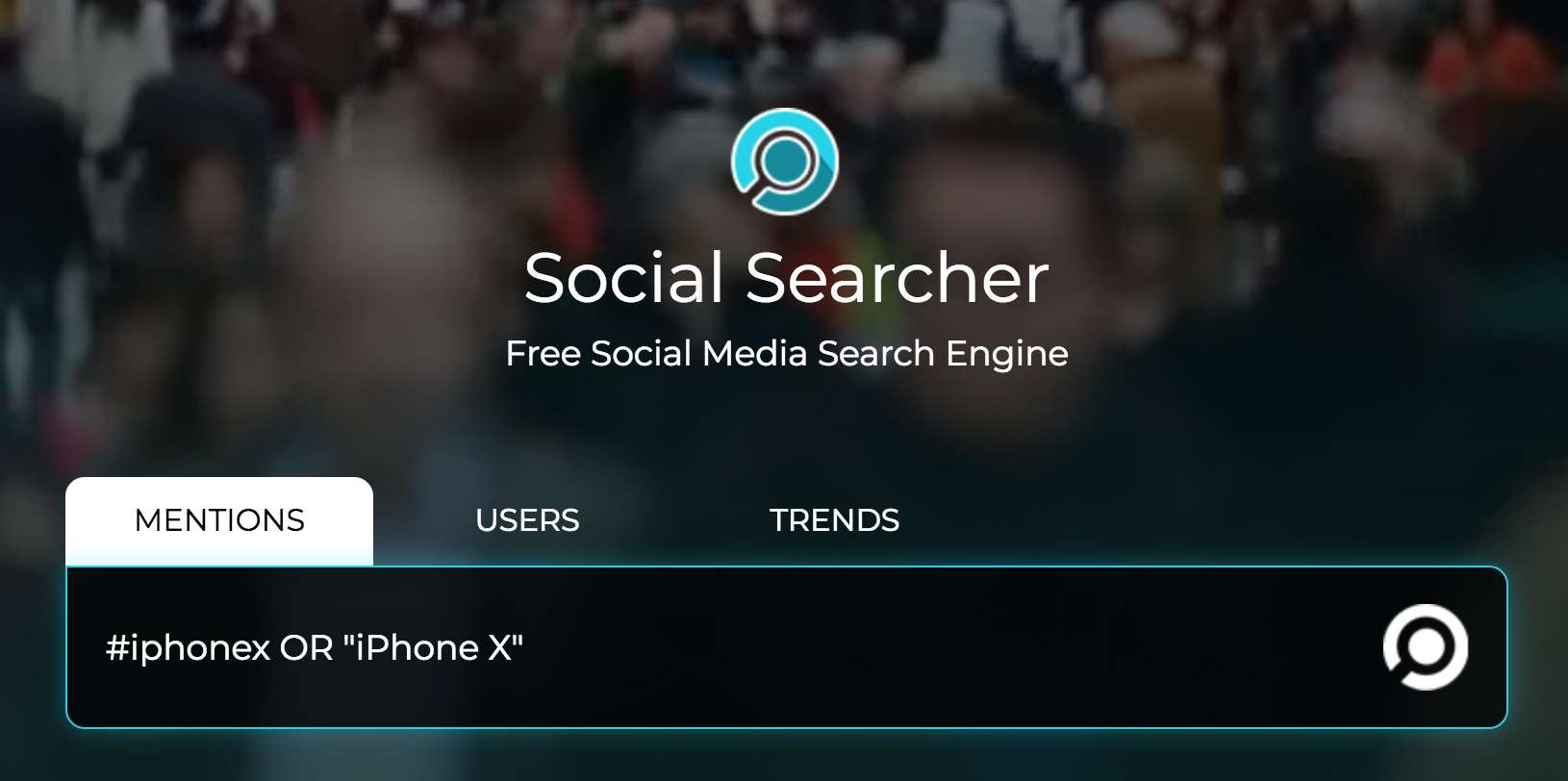
Social Searcher is a powerful free and paid social media analytics tool that allows users to track mentions, analyze engagement, and monitor brand sentiment across multiple platforms. In this guide, we’ll cover:
✅ What Social Searcher is and why it’s useful
✅ Step-by-step instructions on how to use it
✅ Best practices for effective social media monitoring
✅ Alternative tools for deeper insights
What Is Social Searcher?
Social Searcher is a real-time social media search engine that scans public posts from:
-
Twitter (X), Facebook, Instagram, YouTube, Reddit, and more
-
News sites, blogs, and forums
Key Features:
🔹 Free Basic Search – Track keywords, hashtags, and brand mentions.
🔹 Sentiment Analysis – Detects positive, negative, or neutral mentions.
🔹 Influencer Tracking – Identifies key users discussing your topic.
🔹 Email Alerts – Get notifications for new mentions.
📌 Best For:
✔ Brand managers tracking online reputation
✔ Marketers analyzing competitors
✔ Researchers monitoring trends
How to Use Social Searcher (Step-by-Step Guide)
Step 1: Go to Social Searcher
-
No account needed for basic searches.
-
Sign up for free to access advanced filters.
Step 2: Enter Your Search Query
-
Type a keyword, hashtag, or @username (e.g., “Starbucks”).
-
Use Boolean operators (
AND,OR,NOT) for precise results.
Step 3: Filter Your Results
-
Platforms: Select where to search (Twitter, Facebook, etc.).
-
Time Range: Choose “Last 24 hours,” “Week,” or “Custom.”
-
Sentiment: Filter positive, negative, or neutral mentions.
Step 4: Analyze the Data
-
Top Influencers: See who’s talking about your topic.
-
Engagement Metrics: Check likes, shares, and comments.
-
Trend Graphs: Track mention volume over time.
Step 5: Set Up Alerts (Pro Feature)
-
Click “Create Alert” to get email notifications for new mentions.
Dos and Don’ts of Using Social Searcher
✅ Do:
✔ Track competitors to benchmark your social strategy.
✔ Monitor hashtags for trending topics.
✔ Use sentiment analysis to gauge public opinion.
❌ Don’t:
✖ Rely only on free searches (upgrade for deeper insights).
✖ Ignore negative feedback—respond professionally.
✖ Spam keywords (use natural phrases).
Top Alternatives to Social Searcher
| Tool | Best For | Pricing |
|---|---|---|
| Hootsuite | All-in-one social media management | Paid |
| Mention | Real-time brand monitoring | Free & Paid |
| Brand24 | Crisis & reputation management | Paid |
| Google Alerts | Basic web & news tracking | Free |
📌 Source: G2 – Best Social Media Monitoring Tools
Final Thoughts
Social Searcher is a valuable tool for tracking brand mentions, analyzing sentiment, and staying ahead of trends. While the free version is useful, paid plans unlock deeper analytics.
🔗 Try Social Searcher Now: https://www.social-searcher.com/
People Also Read
- 2030 A Doomsday According to Indian Texts or Misinterpretation?
- The Glory of Narasimha Bhagwan: An Exploration of Ancient Indian History
- Medusa and Mansa Devi: The Untold Myths Connecting Greek and Hindu Traditions
- “The Enigmatic Link Between the Bermuda Triangle and Hindu Mythology of Ramayan: Unveiling the Mystery”
- why is mt. Kailash Considered to be a Sacred Site?
- How Eastern Wisdom Can Transform Your Modern Life.
- Lord Shani and Lord Yam : God of Karma for Living and Death
- In which direction Ganesh Idol should face.
- What is the logic for existence of God?
- Who Is Mahadev Shiv ?
- How to increase love for Krishna?
- Hanuman Chalisa English Lyrics| Bhajle Ram Naam | Prashyant Jha
Free AI Tools To test yourself
- Love Percentage Checker Tool – Check For Free!
- Soulmates Initial Finder
- Hz Frequency Generator- Free Online Tone Generator
- Mental Health Check In Tool [ FREE TEST ]
- Best Free Phone Photos Download
- Image Converter (Online & Free)
Seotoolrank.com Free Ai Tools
- RankVortex – Implies pulling traffic and SEO rankings toward you.
- free image converter
- ConvertEase PDF
- Rich Snippet Previewer & Schema Validator
- URL Encoder/Decoder
- Social Media Post Formatter
- Website Speed Checker Tool
- SEO Word Counter with Character Count
- Free Stopwatch and Online Timer Countdown
- Age Calculator Tool
- Password Generator Tool
- Qr Code Generator Free
- AI Story Generator Tool
- Blog Title Generator Tool [FREE]
